Viewing an Existing Tunnel Profile
A tunnel profile defines the rules that
create and govern a tunnel, including the tunnel type, settings related to the MTU
and timer
values for tunnel health.
Complete the following steps to view the Tunnel Profile details:
- From the navigation bar, select
.The My Services page is displayed.
- In the My
Services page, click the Tunnel Profile
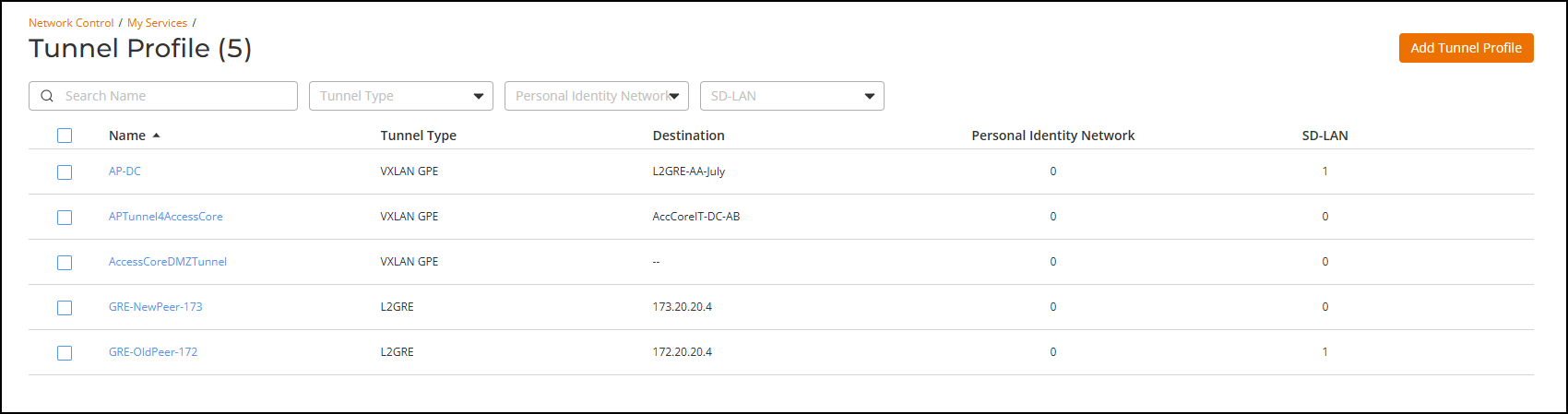
tile.The Tunnel Profile page is displayed. The Tunnel profiles are displayed in the table. The Name column displays the Tunnel profile names, Tunnel Type displays the tunnel type used for that tunnel profile, Destination displays the tunnel destination, and SD-LAN displays the total number of SD-LAN services configured to use this tunnel profile.
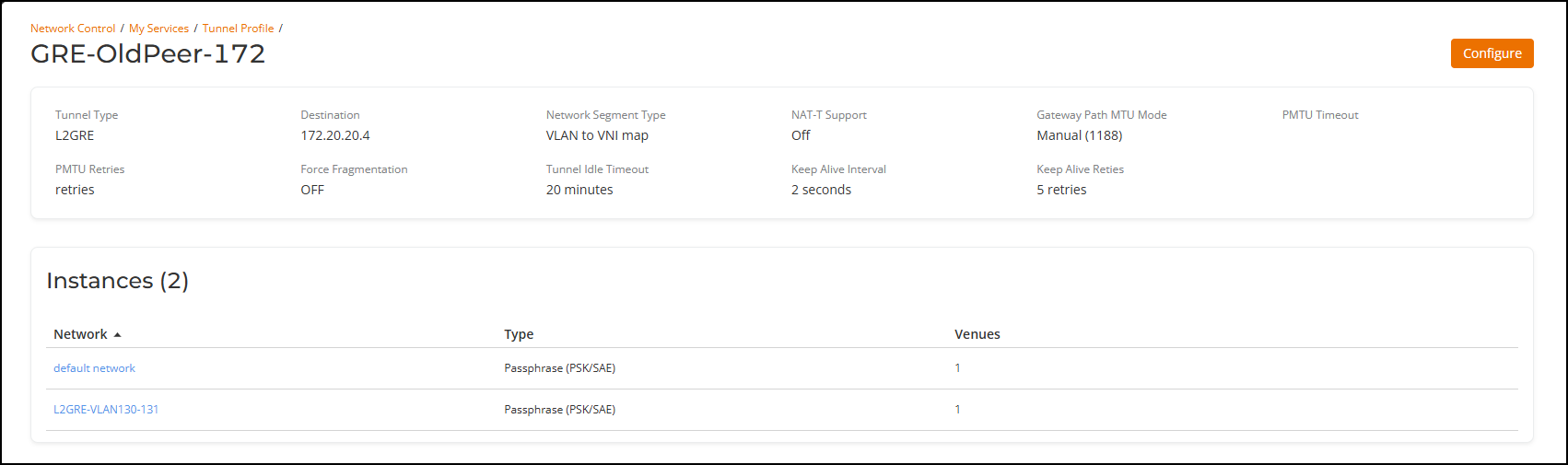
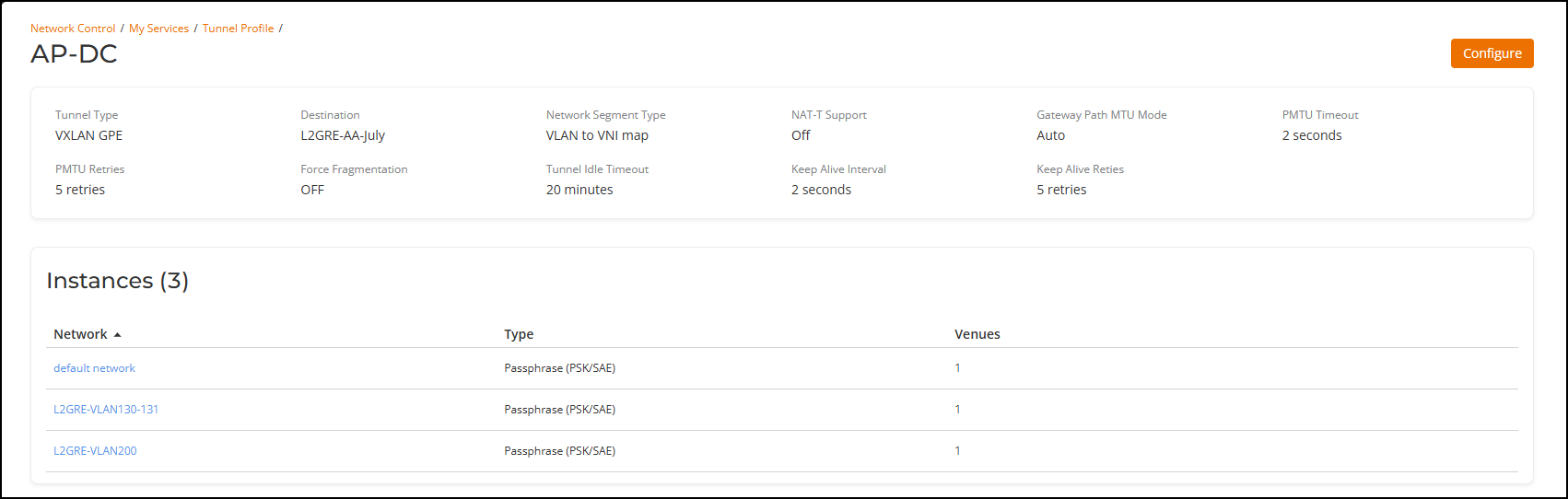
- In the Name column, click on a specific tunnel profile name.