Deleting a Switch
- On the navigation bar, select
.The Switches page is displayed, defaulting to the Switch List tab.
- Click the switch name in the
list.The details page for the selected switch is displayed, defaulting to the Overview tab.
- In the upper-right corner, click More Actions and select Delete Switch.
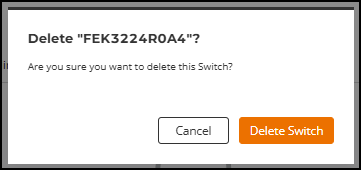
- Click Delete Switch to confirm the removal.