Editing or Deleting the SNMP Agent Profile
You can use this feature to edit or delete
SNMP Agent policy.
Complete the following steps to edit or delete the SNMP Agent policy:
- From the navigation bar, select
.The My Services page is displayed.
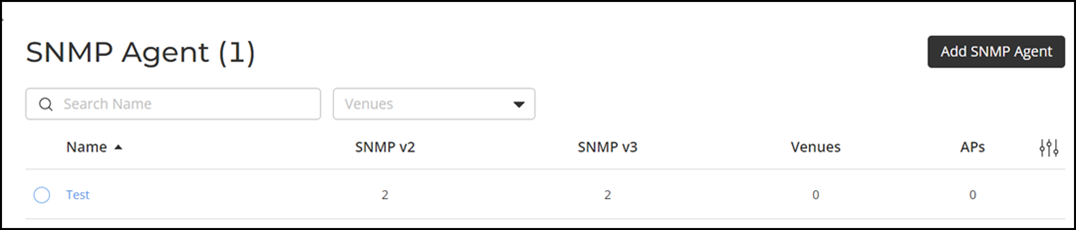
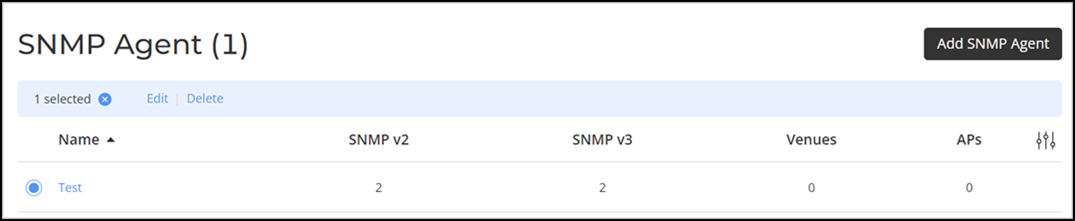
- In the My Services page, click SNMP Agent tile.
- In the Name column, click Radio Button beside the <SNMP Agent policy name>, and click Edit. Alternatively, select the <SNMP Agent policy name>, and click Configure.
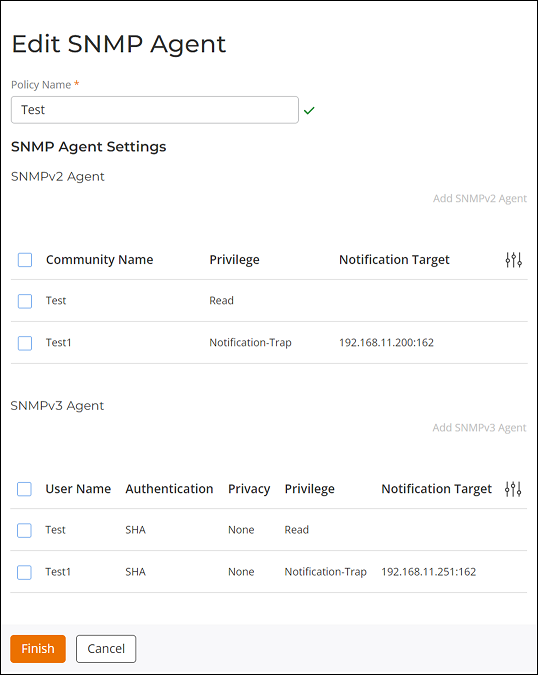
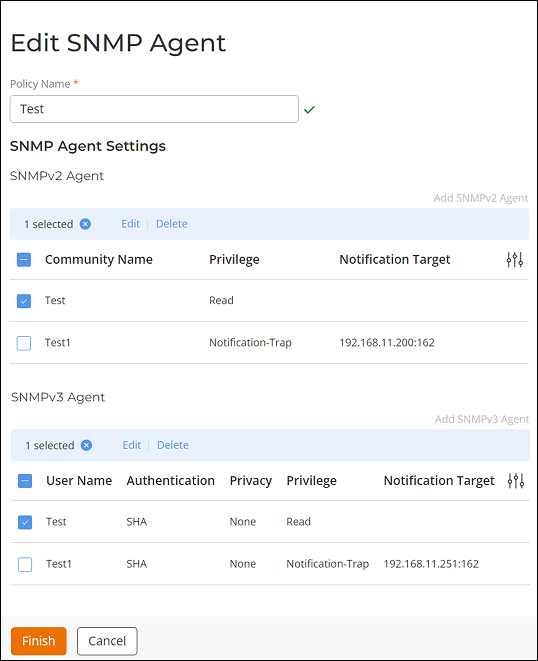
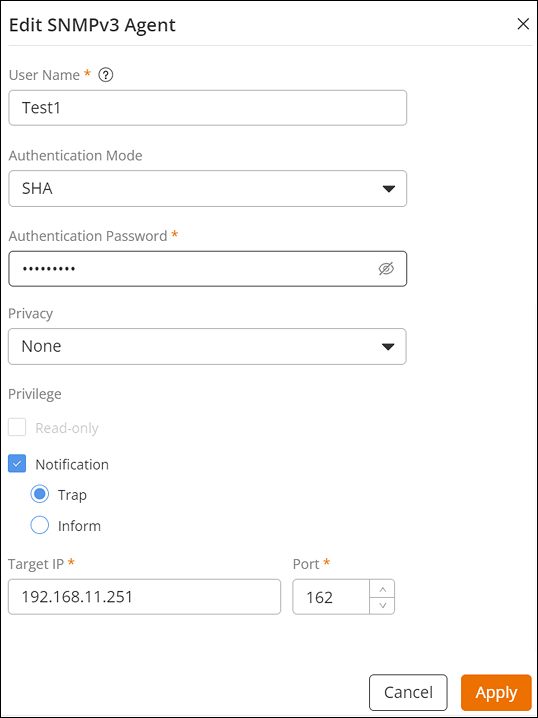
- Select the SNMPv2 Agent or SNMPv3 Agent policy and click Edit.
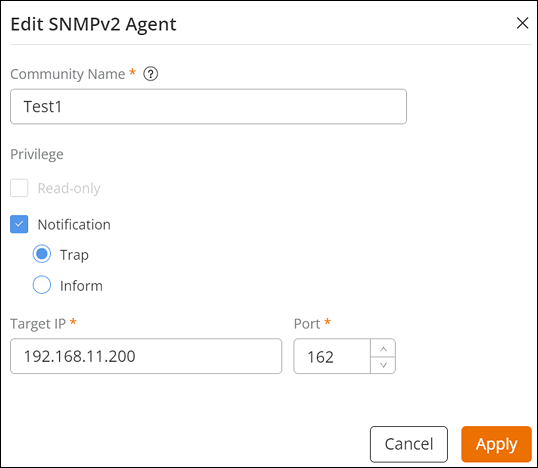
- Update the Policy Name, Community Name, User Name, Privilege, Target IP Address, Target Port, Privacy, Privacy Phrase, Authentication Mode, or Authentication Password, and click Apply.
- Complete the following steps to delete
the SNMP Agent policy:Note: This option will delete the complete SNMP Agent policy, if you want to delete SNMPv2 Agent and SNMPv3 Agent, refer to Step 7.
- Complete the following steps to delete the SNMPv2 Agent or
SNMPv3 Agent policy:Note: The SNMP Agent policy must include at least one SNMPv2 Agent or SNMPv3 Agent policy.