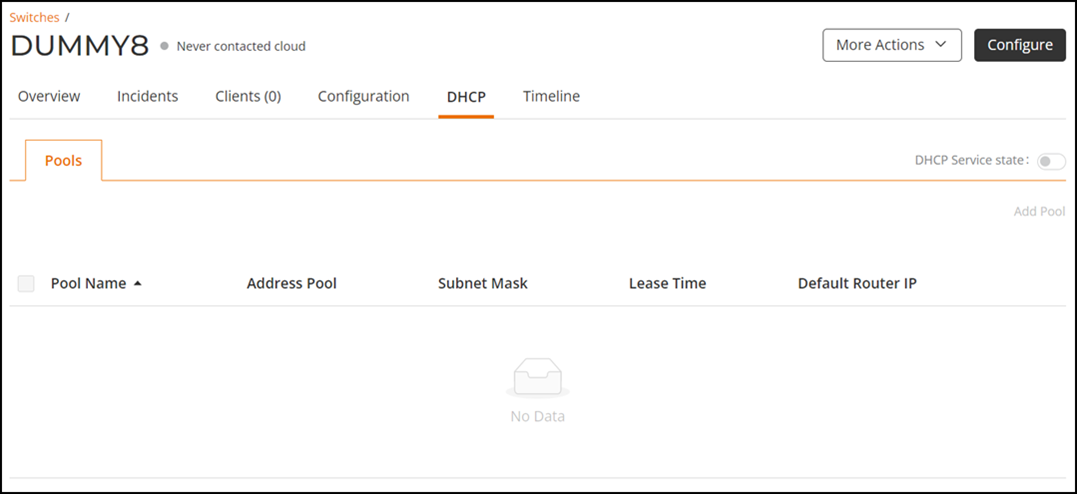
Viewing DHCP Pool
From the RUCKUS One web interface, you
can view and configure DHCP pool and enable or disable the DHCP service.
- On the navigation bar, click
Venues.The Venues page is displayed.
- Click . Alternatively, click Number displayed in the Switches column.
- Click List icon.The List tab is displayed.
- Click Switch
Name under the Switch column.The Switches page is displayed.
- Select the DHCP tab.
- The Pools sub tab displays the following information.
- (Optional) Toggle the DHCP Service state button to ON/OFF.
- (Optional) Click Add Pool to configure the DHCP Pool.