Viewing Activities in a Venue
You can view the activities on RUCKUS
One. Activity events include an audit log of the steps taken as part of the Activity,
as
well as the time required to perform each action and the success or failure of each
step
within the activity.
- On the navigation bar, click
Venues.The Venues page is displayed.
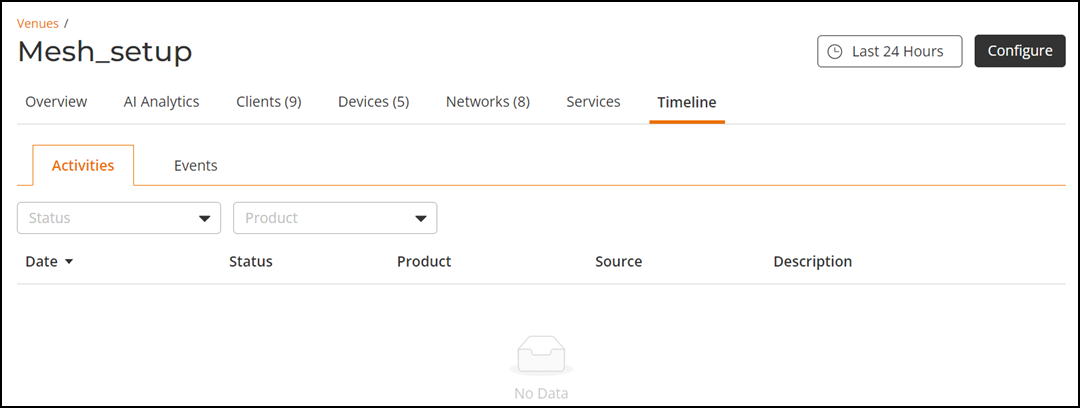
- Select the .The Timeline page is displayed. This page has activities and events information that have occurred in the venue over the last 24 hours. By default, the Activities tab is displayed.
The Activities tab diplays the following information:
- Date: Date and time when the activity was carried out.
- Status: Use the drop-down and select one of the statuses Pending, In progress, Success or Failed.
- Product: Indicates where the activity was carried out in Switch or Wi-Fi.
- Source: Name of the account by using which the activity was carried out.
- Description: Brief description of the activity.