Viewing RUCKUS WAN Gateways
You can view the list of RUCKUS WAN
gateways added to your RUCKUS One account and view detailed health and metrics data
for any
RWG device.
Complete the following steps to view the existing RUCKUS WAN Gateways in your RUCKUS One account:
- From the navigation bar, select
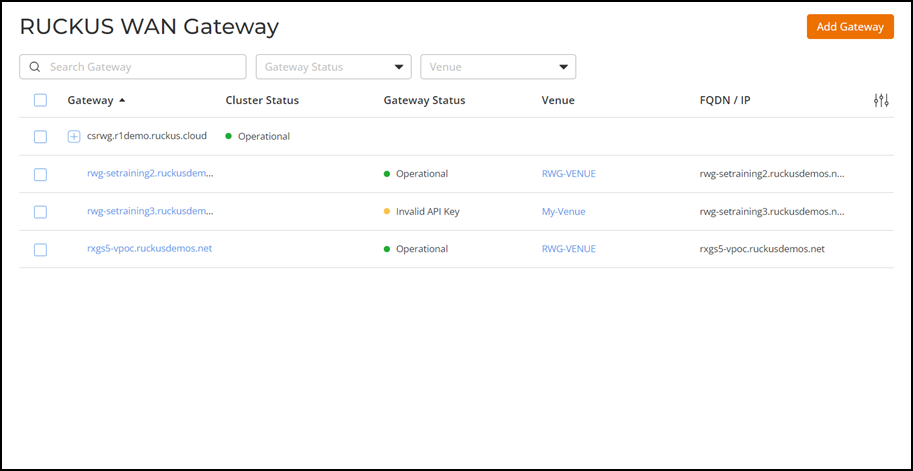
.The RUCKUS WAN Gateway page appears, displaying the following information:
- Gateway: Displays the name of the gateway.
- Cluster Status: Displays the status of the gateway cluster (if the RWG devices are configured as a cluster.)
- Gateway Status: Displays the status of the gateway (individual RWG.)
- Venue: Displays the name of the venue associated with the RWG..
- FQDN/IP: Displays the fully qualified domain name (FQDN) or the IP address of the RWG.
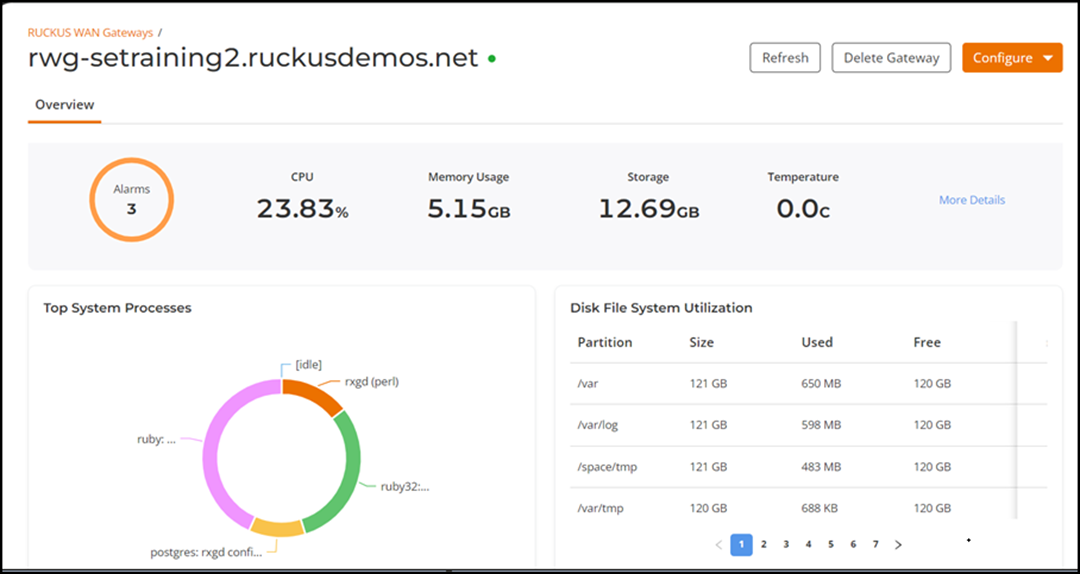
- Click on the name of the gateway to view details. This data is automatically updated from RWG approximately every five minutes.
- (Optional) Click Refresh to obtain and display the real-time data.
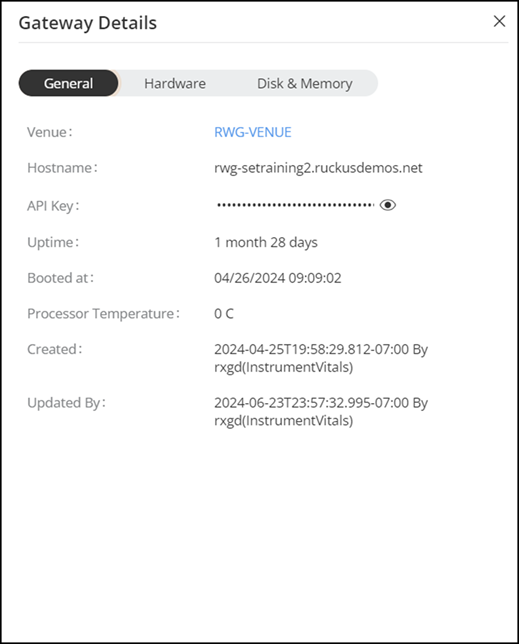
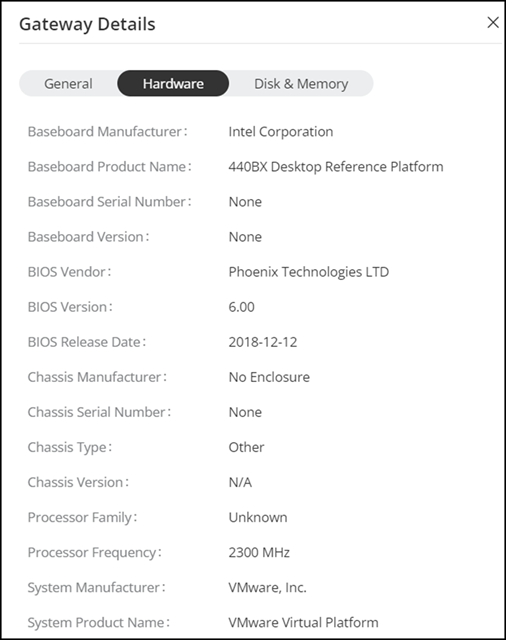
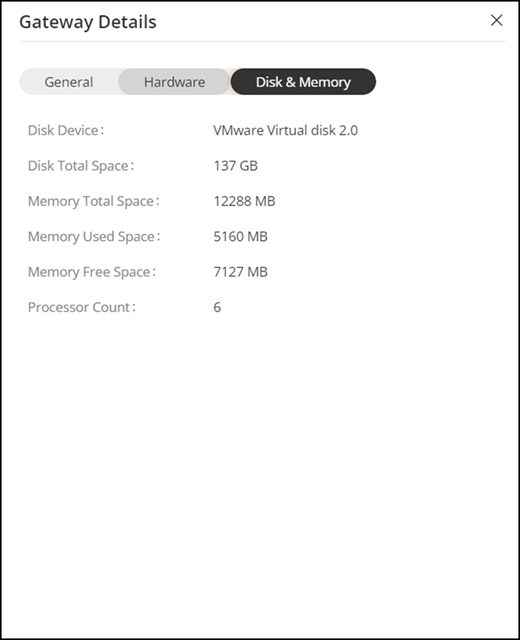
- Click More Details to view the detailed information about the gateway.
- (Optional) Click Configure to access the following options: