Changing Your Password
To change your RUCKUS One password, edit
your RUCKUS One profile.
- On the miscellaneous bar (located in the upper-right corner of the web interface), click Account icon.
- Click Change
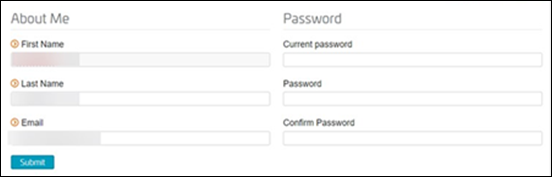
Password.The Editing Your Profile page on the RUCKUS One Support website is displayed.
- In the Password section, for Password, enter your new password.
- For Confirm Password, re-enter the password you entered in the previous step.
- Click Submit.