Accessing the Mesh Topology of a Venue
From the RUCKUS One web interface, you
can view the Mesh topoloy of a venue.
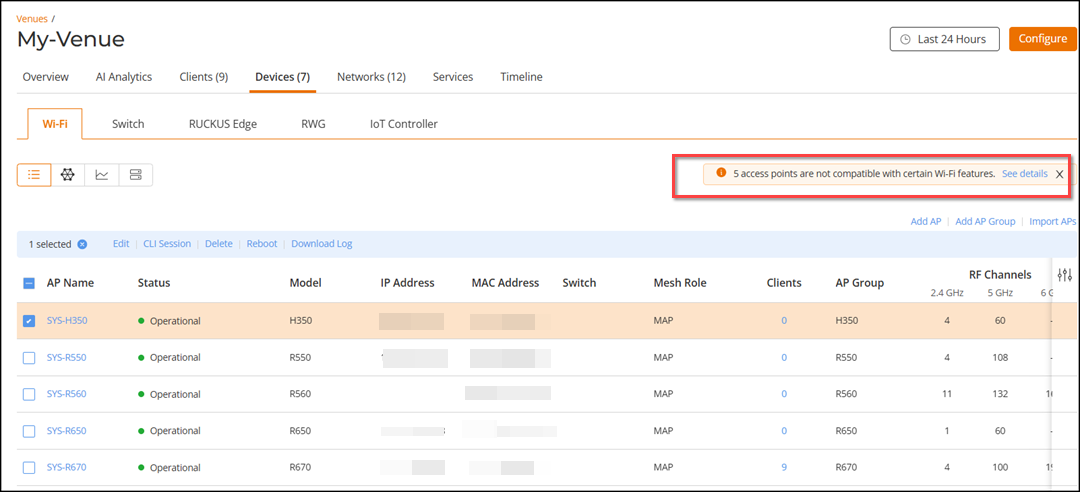
- On the navigation bar, click
Venues.The Venues page is displayed.
- Click . Alternatively, click AP number in the Wi-Fi APs column.
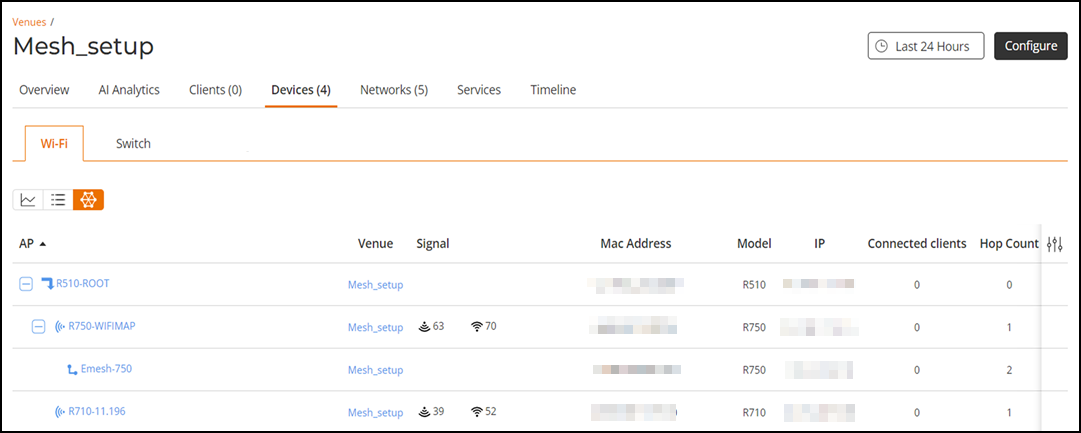
- Click Mesh icon.
- Click the expand button to list the Mesh access points that are connected to the
root AP. Click the expand button for each Mesh access point to view the properties
of the access point.
Note: If a venue is not set to support Mesh, the Wi-Fi details page that is displayed when you click the Devices tab will not show the Mesh option. If you have defined the venue as Mesh but have not added any APs, you will still find the Mesh option. However, when you click, you are prompted with the message that no Mesh APs are added.