Cloning a Network
From the RUCKUS One web interface, you
can clone a network.
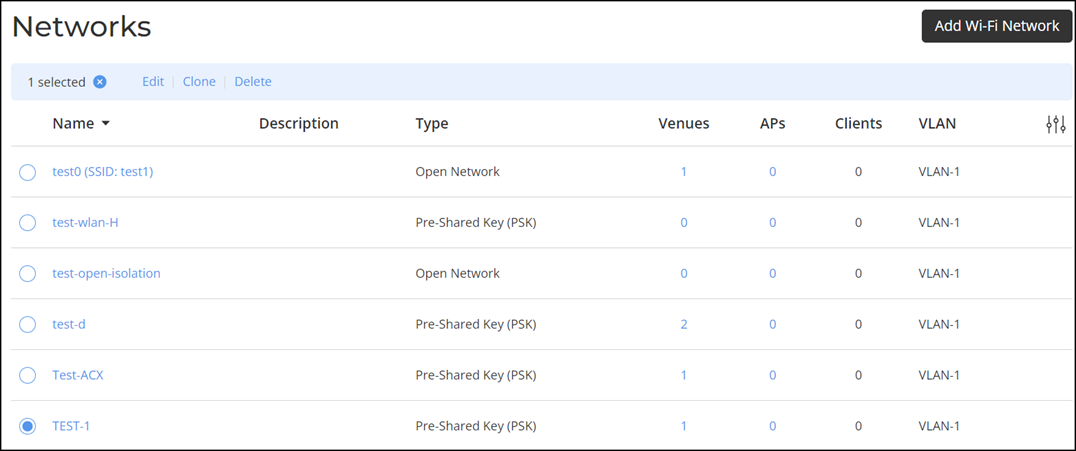
- From the navigation pane, click
. The Networks page is displayed.
- Select the Network Name.
- Click Clone at the top
of the table.The Create New Network page is displayed. All the fields are updated with the selected network settings information. Update the network settings as required. Refer to Wireless Networks Overview.
- Click Finish to save a new network settings.