Deleting ZoneDirector Migration History

You can delete ZoneDirector migration history from your RUCKUS One web interface using the Delete option.
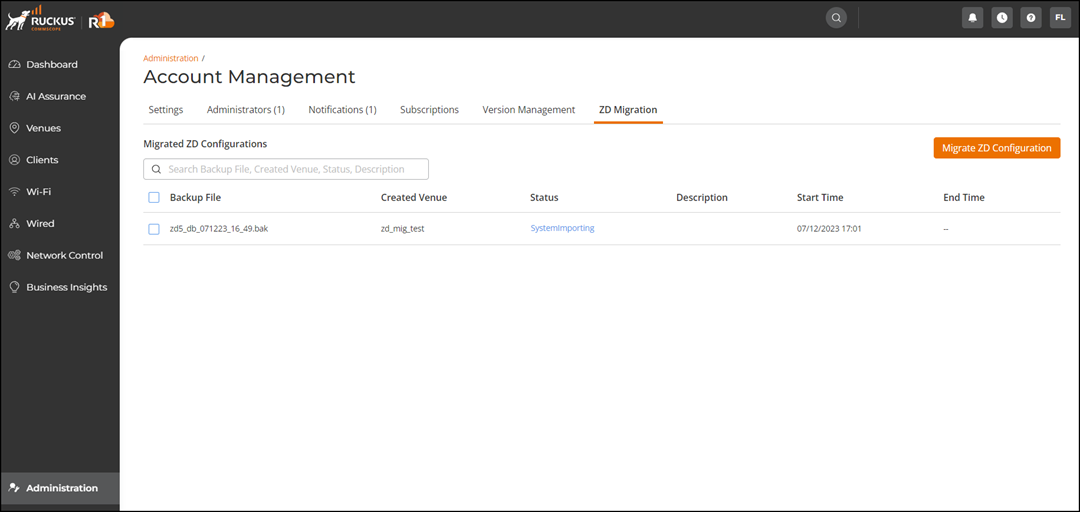
  1. From the navigation pane, click Administration > Account Management > ZD Migration.
    The ZD Migration tab is displayed.

    ZD Migration Tab

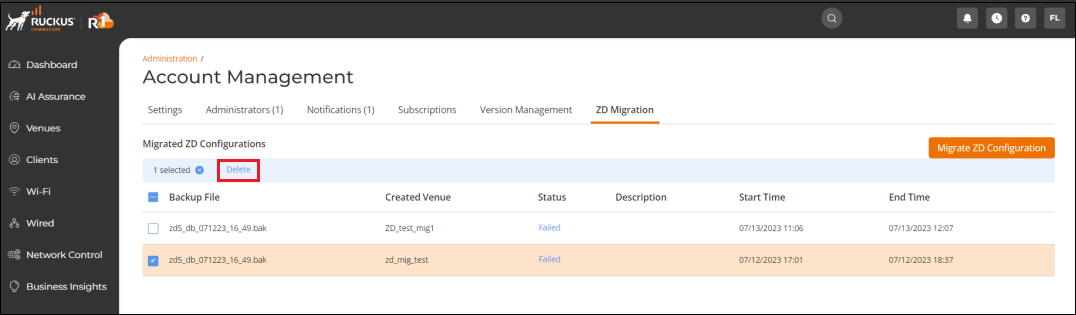
  2. Select the check box next to the backup file you wish to delete and click Delete.

    Deleting ZoneDirector Migration History

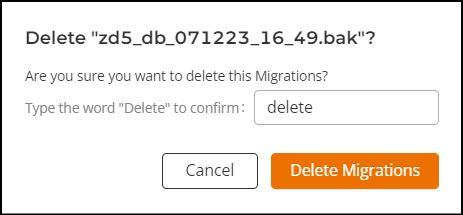
  3. In the Delete confirmation dialog box, enter the word "delete" and click Delete Migrations.

    Delete ZD Migration History Dialog Box

    The backup file is removed from the Migrated ZD Configurations table.