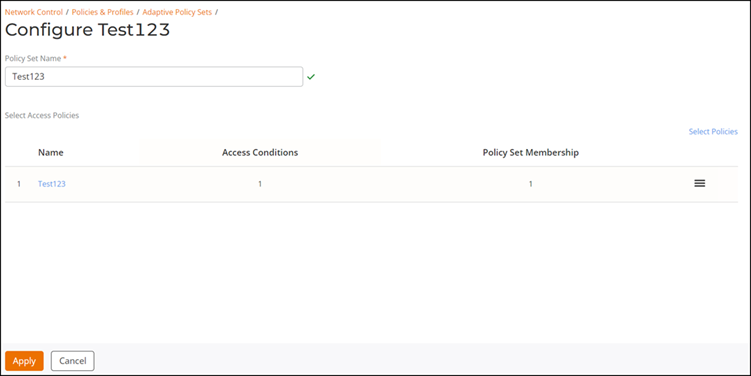
Editing or Deleting the Adaptive Policy
You can use this feature to edit or delete
the Adaptive Policy.
Complete the following steps to edit or delete the Adaptive Policy:
- From the navigation bar, select
.The My Services page is displayed.
- On the My Services page, click the Adaptive Policy tile.
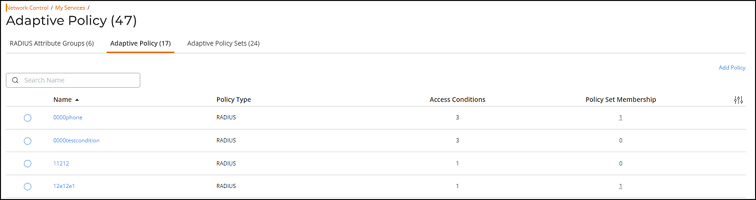
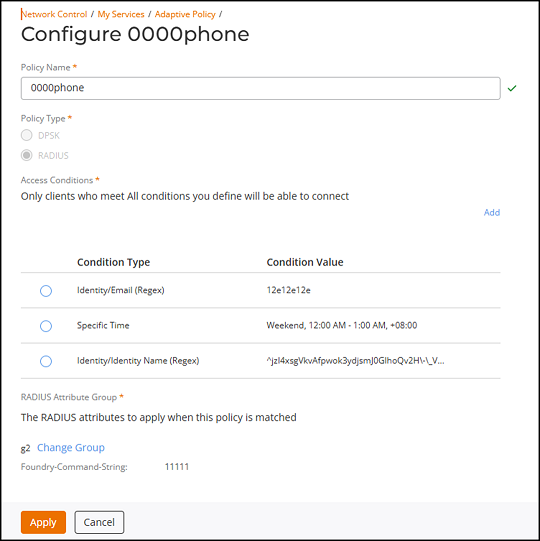
- Complete the following steps to edit the Adaptive Policy:
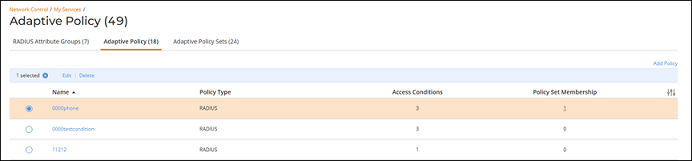
- Complete the following steps to delete the Adaptive Policy:
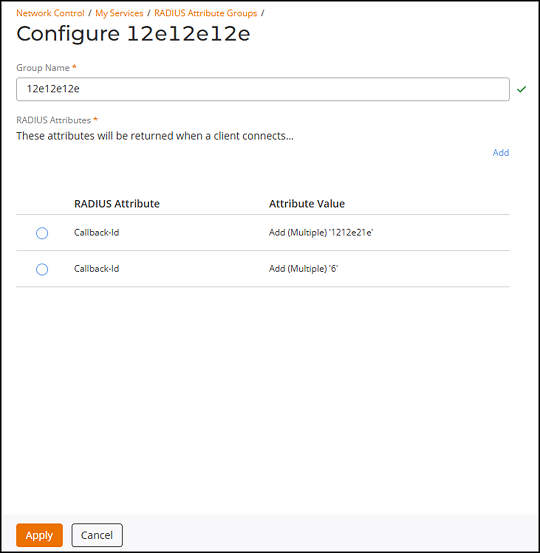
- Complete the following steps to edit the RADIUS Attribute Groups:
- Complete the following steps to delete
the RADIUS Attribute Groups:
- Click RADIUS Attribute Groups tab.
- Click the radio button next to
the Name column, and click Delete.The Delete dialog box is displayed.
Note: Deletion is not allowed when a record is used by policies, Adaptive Policy Sets, or other services. - Complete the following steps to edit the Adaptive Policy Sets:
- Complete the following steps to delete the Adaptive Policy
Sets:
- Click Adaptive Policy Sets tab.
- Click the radio button next to the
Name column, and click Delete.The Delete dialog box is displayed.
Note: Deletion is not allowed when a record is used by policies, Adaptive Policy Sets, or other services.