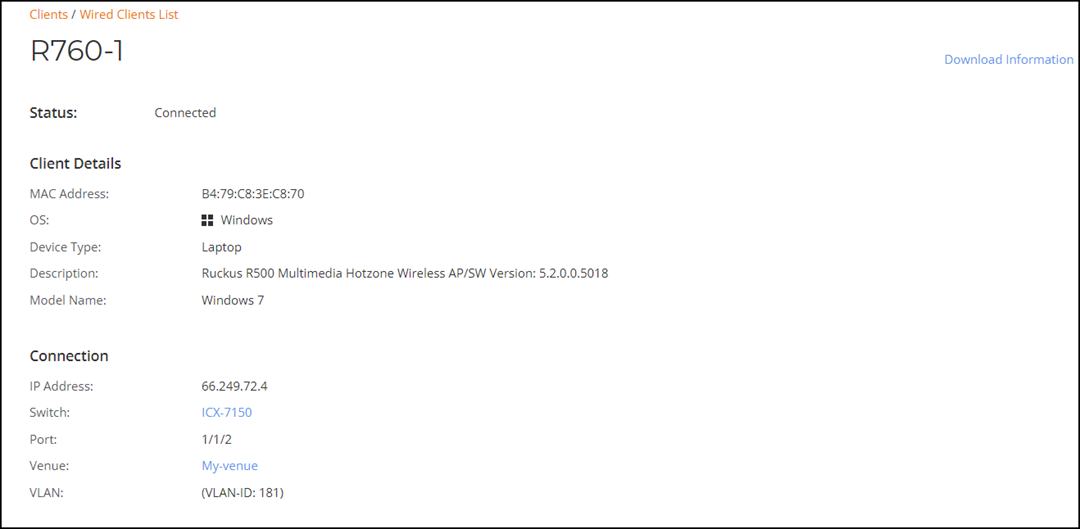
Viewing Switch Client Details
From RUCKUS One, you can view the MAC
address, IP address, operating system, host name, device type, ports, and VLAN associated
with the switch client.
- On the navigation bar, click . The Switch page is displayed.
- Click the name of the switch to view its client details.By default the Overview page of the switch is displayed.
- In the Switch page, select the Clients tab to view the clients connected to the switch.
- Select a client by clicking on its name under Hostname.
- In upper-right corner of the client details page, click Download Information to download the client details to a .CSV file.