Configuring a RUCKUS WAN Gateway
RUCKUS One provides direct access to the
RWG platform, allowing gateway configuration.
Note: Due to its End of Service (EOS) status, RUCKUS WAN Gateway
(RWG) is no longer available for new customer deployments. Existing customers can
continue to view and manage previously configured RWG deployments in RUCKUS One, but
new deployments and onboarding of new customers are no longer
supported.
ACX-121153 inputs from Rajiv
Dhiman
Complete the following steps to configure a RUCKUS WAN Gateway:
- From the navigation bar, select
.The RUCKUS WAN Gateway page is displayed.
- Click on the name of the gateway that you want to configure then click the Configure button on the Overview page. Alternatively, you can click the checkbox alongside the device name, then click the Configure option that appears above the table..
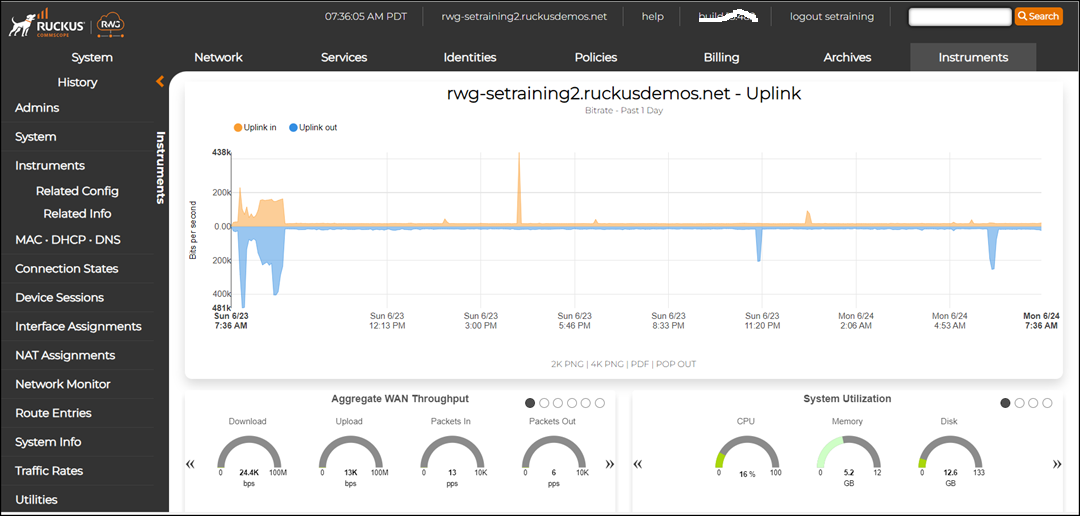
- From the RWG dashboard, you can configure the WAN gateway.For more information on how to configure a WAN gateway, refer to the RUCKUS WAN Gateway product documentation available on the RUCKUS Support site..