Migrating APs From ZoneDirector to RUCKUS One
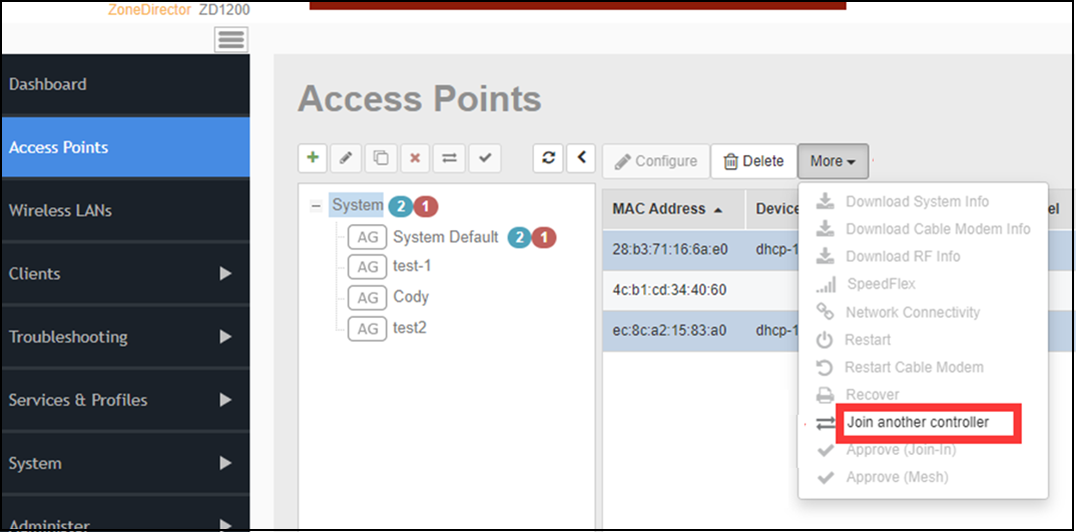
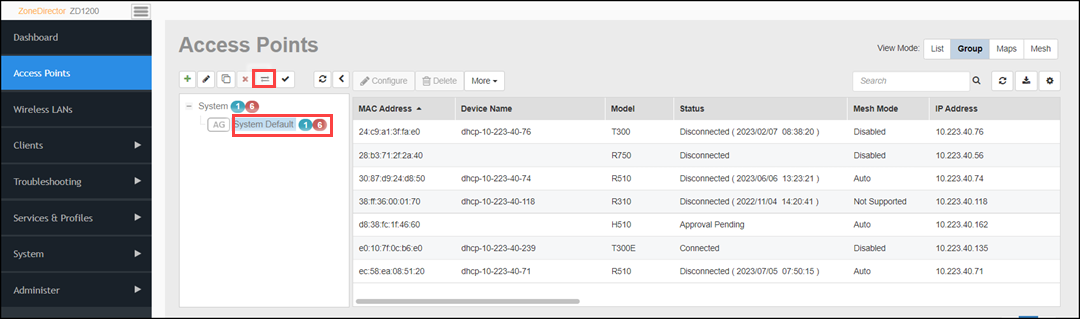
- From the ZoneDirector web interface, go to Access Points page.
- Select the APs that you want to migrate to RUCKUS One and click or select the AP group and click the
Migrate button.Note: Use the Ctrl key to select multiple APs.
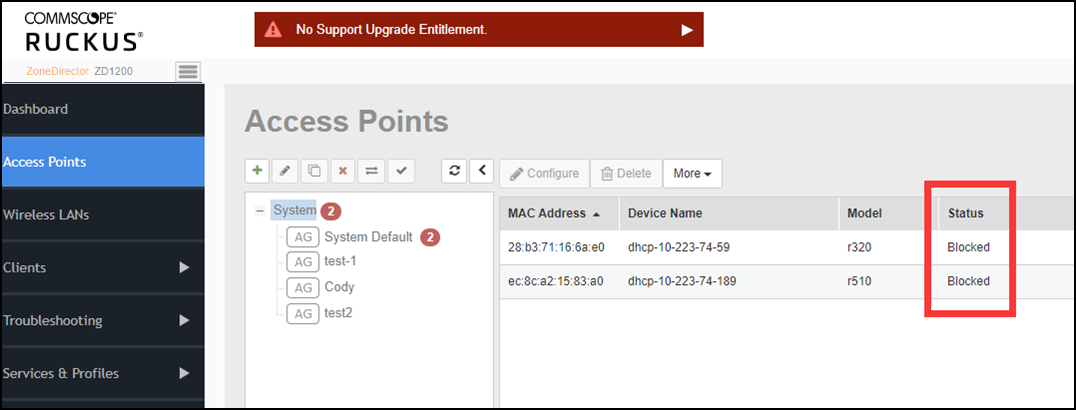
When the Join Another Controller option is used, the AP reboots and Zonedirector ignores the discovery requests of the AP and blocks the AP from joining ZoneDirector until the block is manually removed. AP discovers prime service and upgrades to the prime service image and reboots. After the reboot, the AP begins searching for RUCKUS One and joins RUCKUS One cloud. The AP upgrades to the venue version and becomes operational.
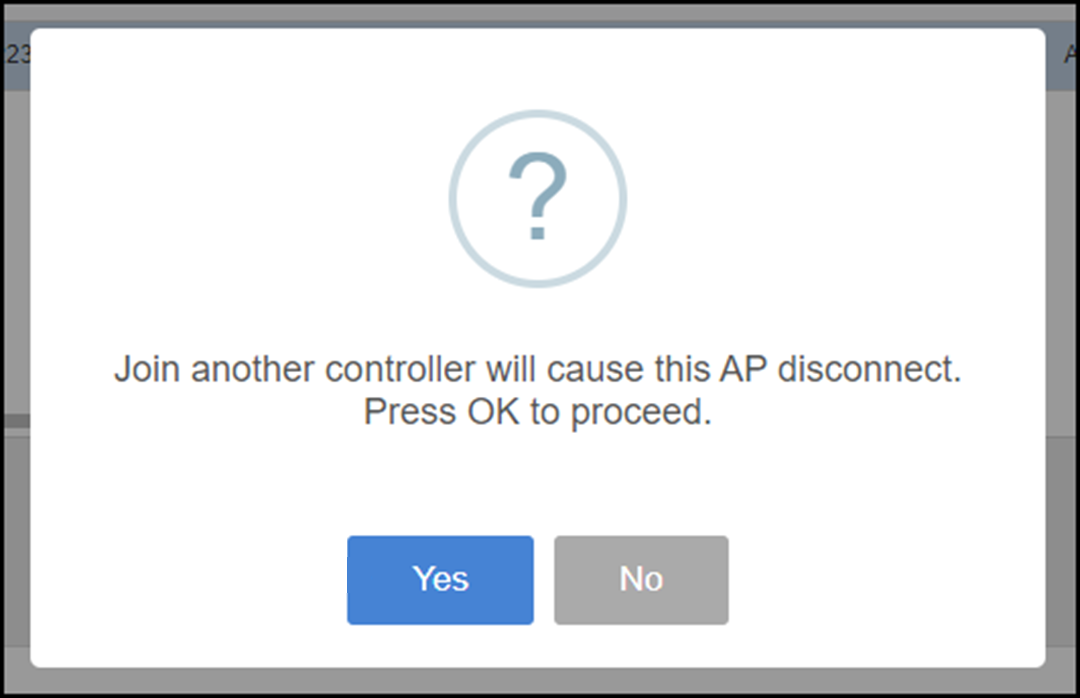
A dialog box is displayed. Click Yes.
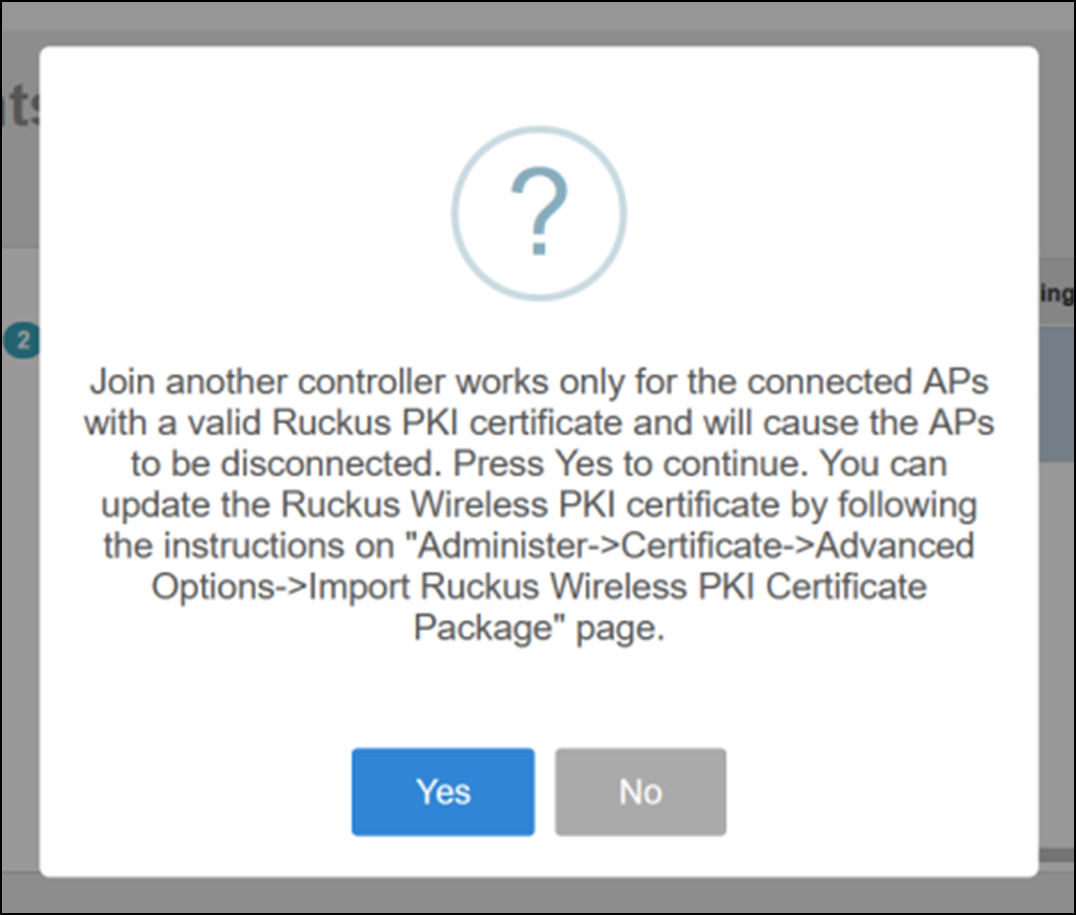
A dialog box is displayed. Click Yes.
- From the navigation pane, click Access Points.
Following is the migration information related to the network connection parameters after a successful migration.