Starting a CLI Session
- On the navigation bar, select
.The Switches page is displayed, defaulting to the Switch List tab.
- Click the switch name in the
list.The details page for the selected switch is displayed, defaulting to the Overview tab.
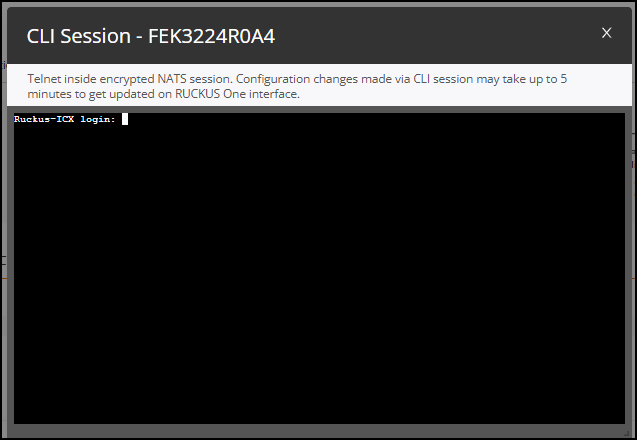
- In the upper-right corner, click More Actions and select CLI Session.
- Log in using valid switch user
credentials to start the session. After successful login, the CLI prompt appears, allowing you to perform the required actions on the switch.
- Click the
 icon to end the CLI session.Note: The CLI session automatically terminates after 10 minutes of inactivity.