Viewing Resident Portal Web Page
You can view the detailed information
about the resident portals.
- On the navigation bar, select
Venues.The Venues page is displayed.
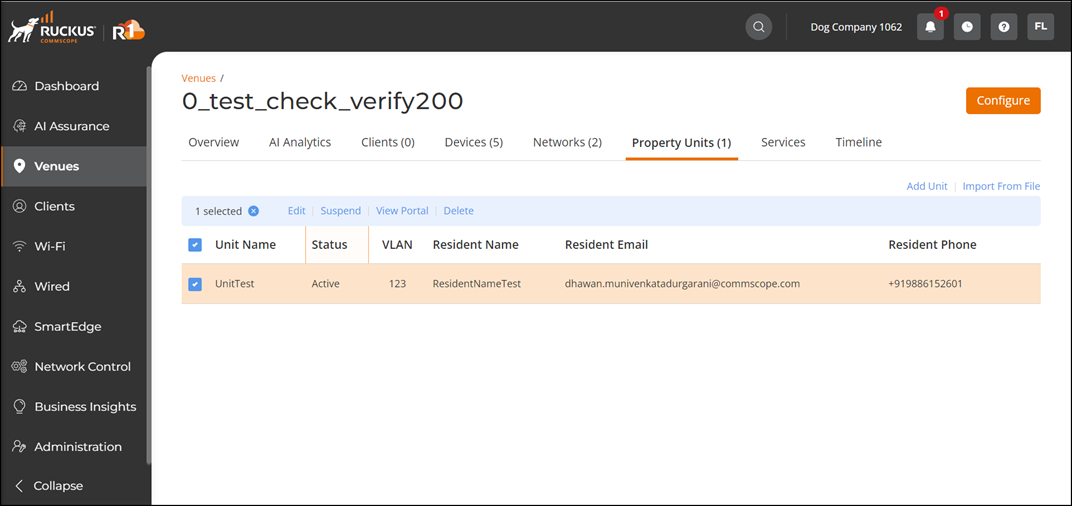
- Select the Venue Name and select the Property Units tab.
- Select the Property Unit that you want to view the Resident Portal then click View Portal.
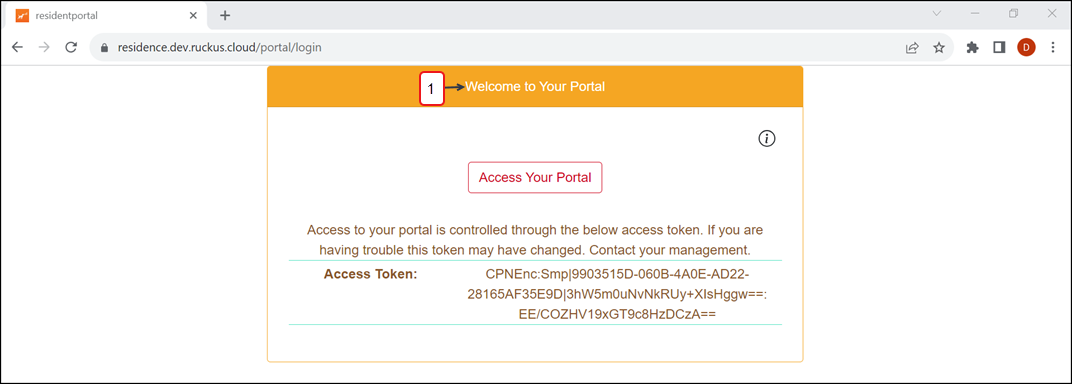
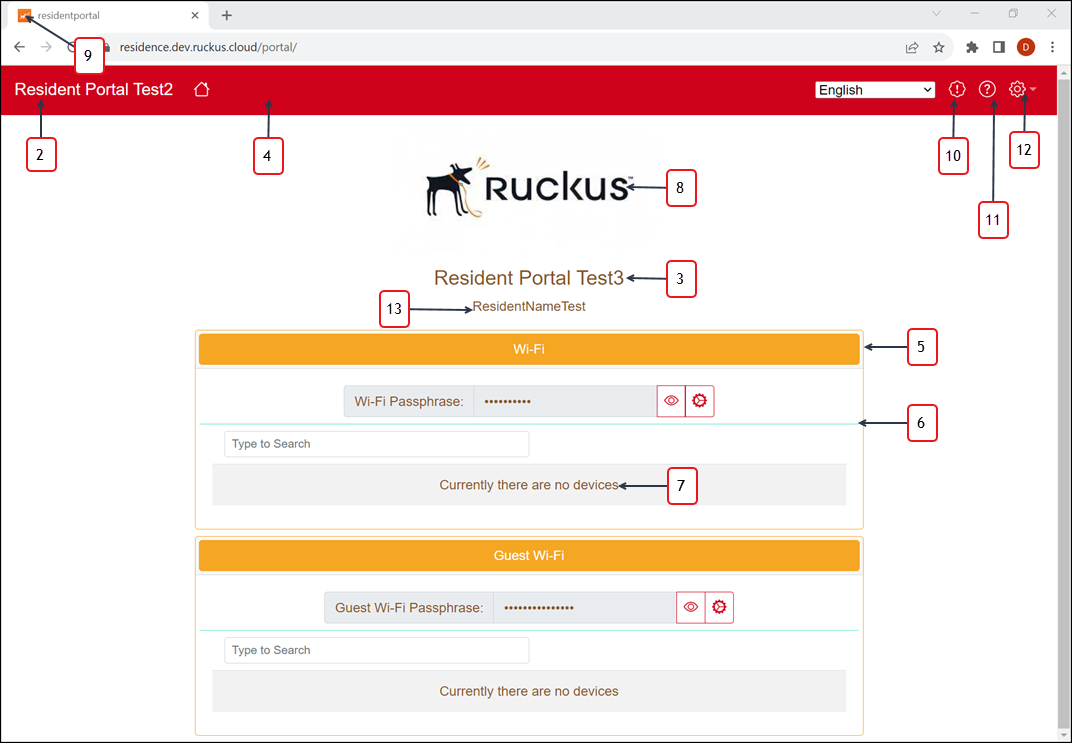
- Click Access Your Portal.The Resident Portal page is displayed.
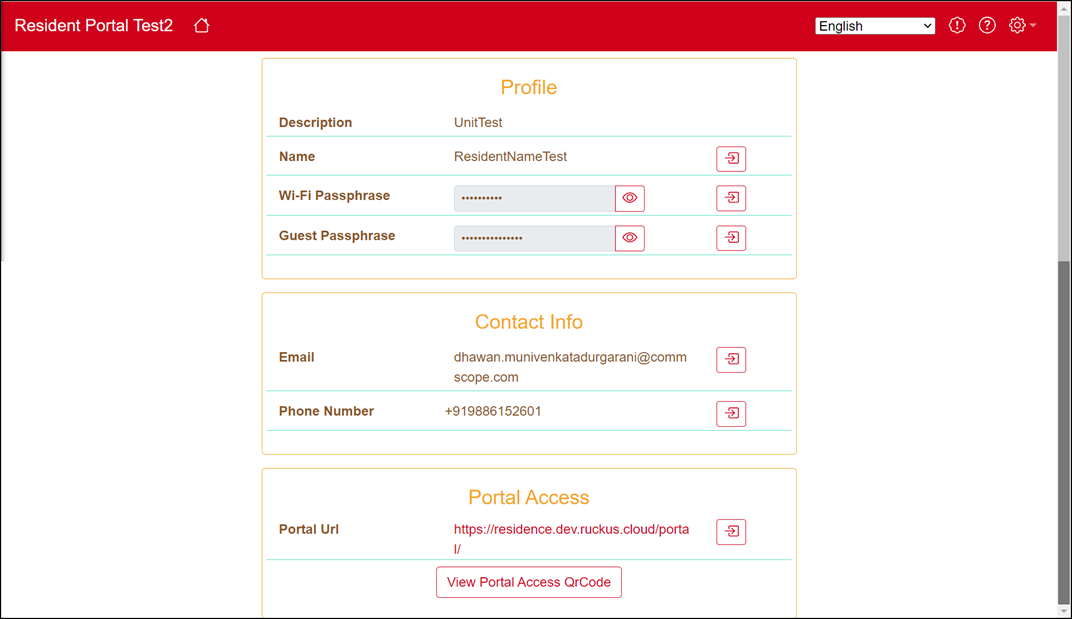
The following table provides details about the Login and Resident Portal page.
Resident Portal Page Details
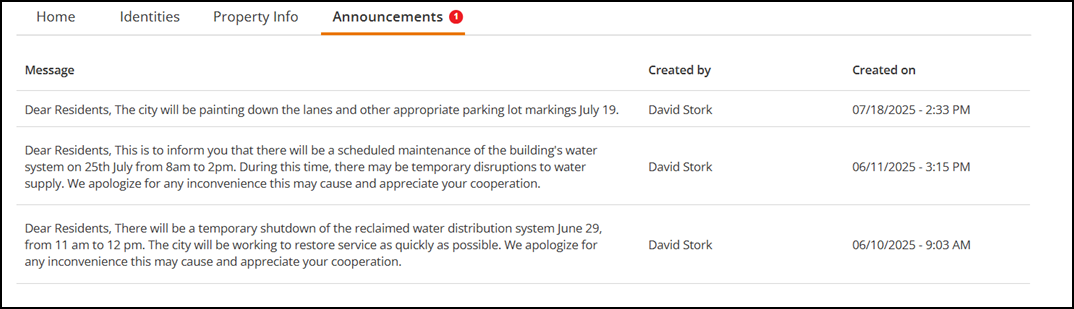
- Click the Announcements tab to view the Announcements page.
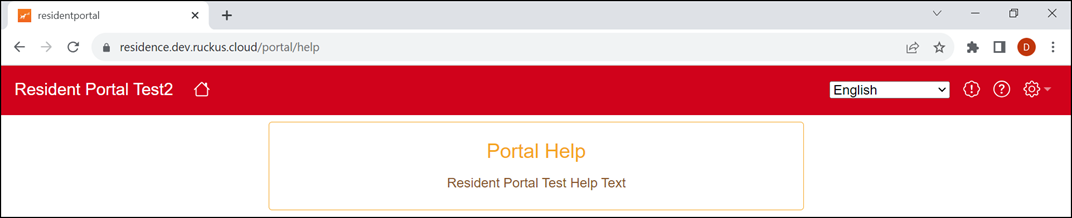
- Click Help icon to view the Help page.
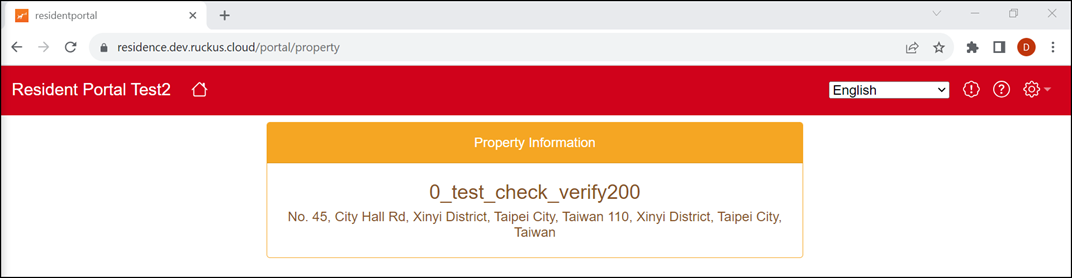
- Click .
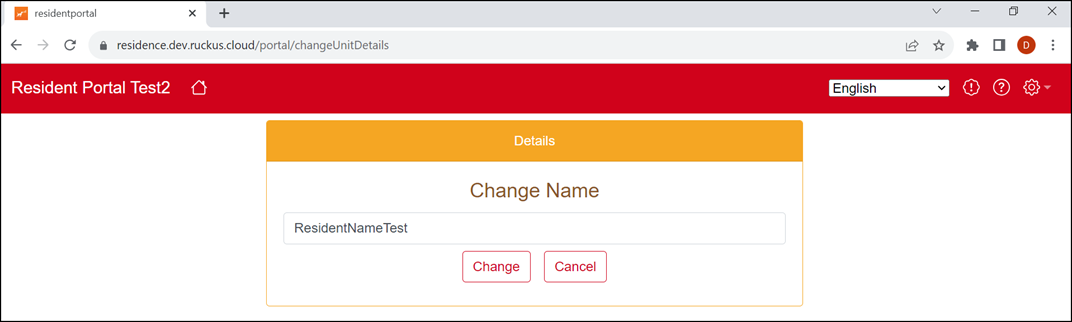
- Click Edit icon (
 )
to update the information.
)
to update the information.
- Click View Portal
Access QrCode.The QrCode is displayed. You can scan the QR code to open the Resident Portal.
- Click .
- Click to log out of the Resident Portal.