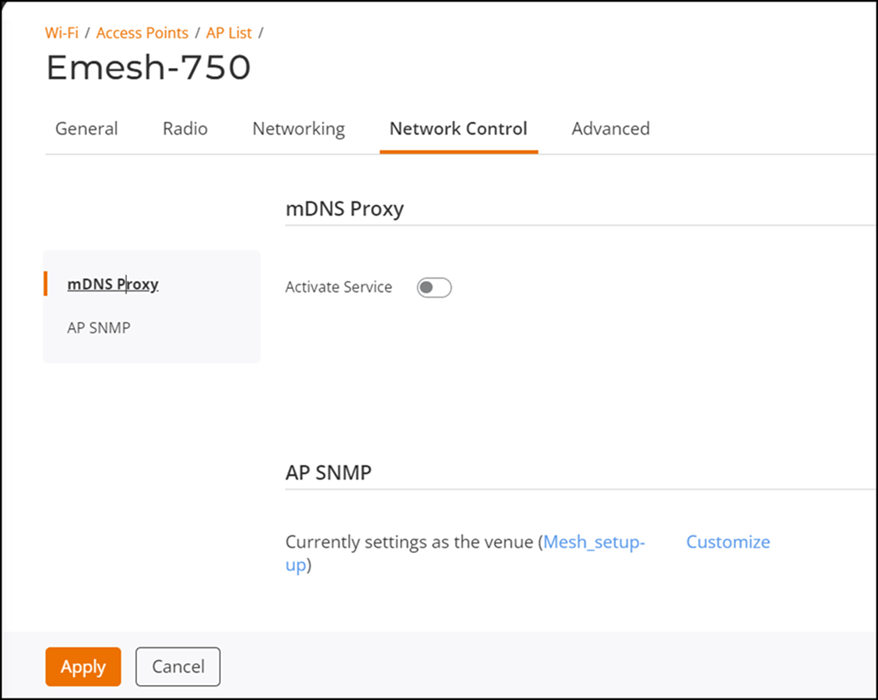
Setting mDNS Proxy for an AP
You can activate the mDNS Proxy service for
an AP.
- On the navigation bar, click .The Wi-Fi page is displayed.
- Click the name of the AP on which you want to activate mDNS proxy.
- On the upper-right corner, click
Configure. The AP configuration page is displayed.
- Select the Network Control tab.
- From the left mini navigation bar, click mDNS proxy.
- Toggle the Activate Service button to ON.
- Select an mDNS Proxy Service from the drop down.
- Click Apply.