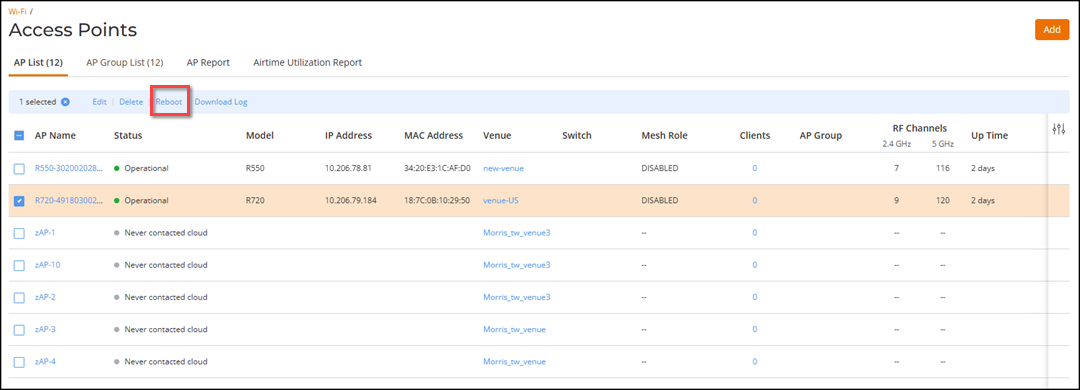
You can reboot an AP from RUCKUS One web interface.
Complete the following steps to reboot an
AP.
Note: Only APs having an Operational status can be rebooted.
Attention: Rebooting an AP
temporarily turns off any active networks that the AP is providing and disconnects
wireless clients that are connected to these networks.
On the navigation bar, select
Wi-Fi > Access
Points > AP
List.
The Access Points
page is displayed.
Click the checkbox for one or
more APs that you want to reboot. The APs must be in the Operational
state.