Editing an Active-Backup Cluster and Nodes
- Log in to the RUCKUS One web user interface with your credentials.
- On the RUCKUS One navigation
bar, click .This displays the list of RUCKUS Edge clusters.
- Select the checkbox adjacent to
the RUCKUS Edge cluster. This highlights the Edit and
Run Cluster &
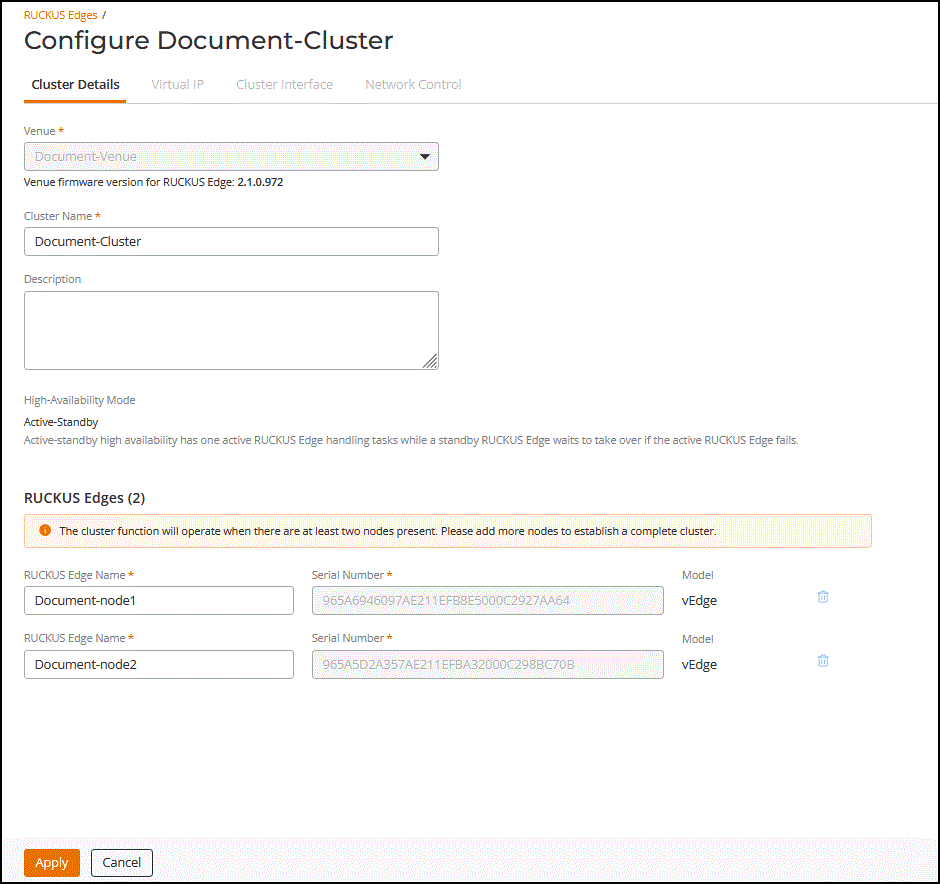
RUCKUS Edge configuration wizard options.Note: The High-Availability Mode of the cluster cannot be modified or edited.
- Click the Edit option.
- In the Configure <Cluster Name> page, click on a tab and edit the details.
- After entering the values, click Apply.