Editing an IoT Controller
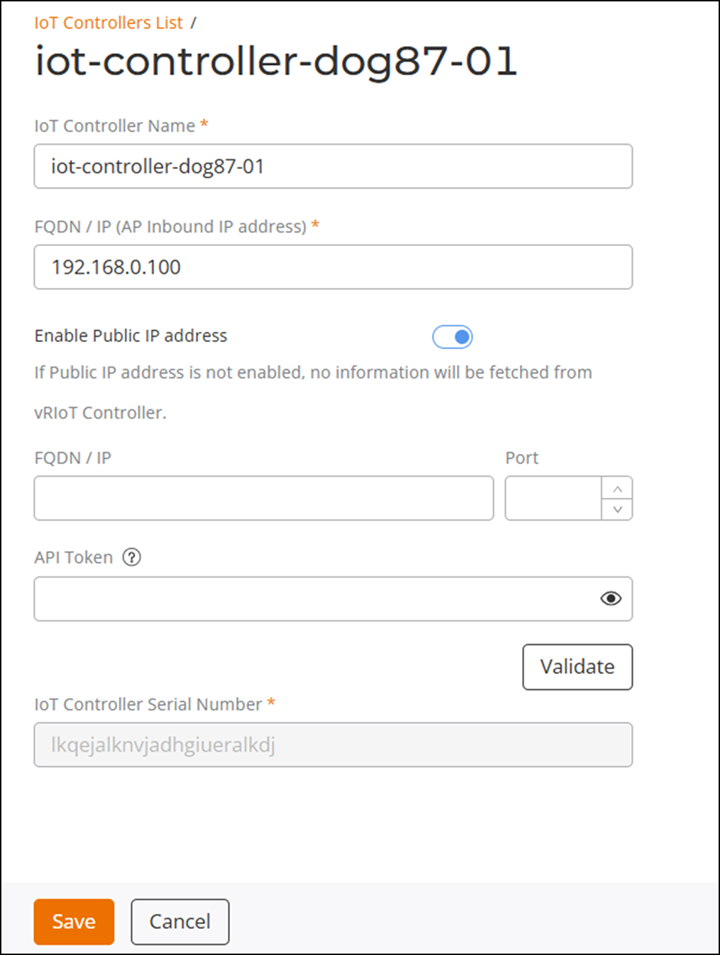
You can modify the controller name, the
FQDN/IP (AP Inbound IP address), the public IP address, port, and the API key for
an IoT
Controller that has already been added to RUCKUS One.
Complete the following steps to edit a RUCKUS IoT Controller configuration.
- From the navigation bar, select
.The IoT Controller page is displayed.
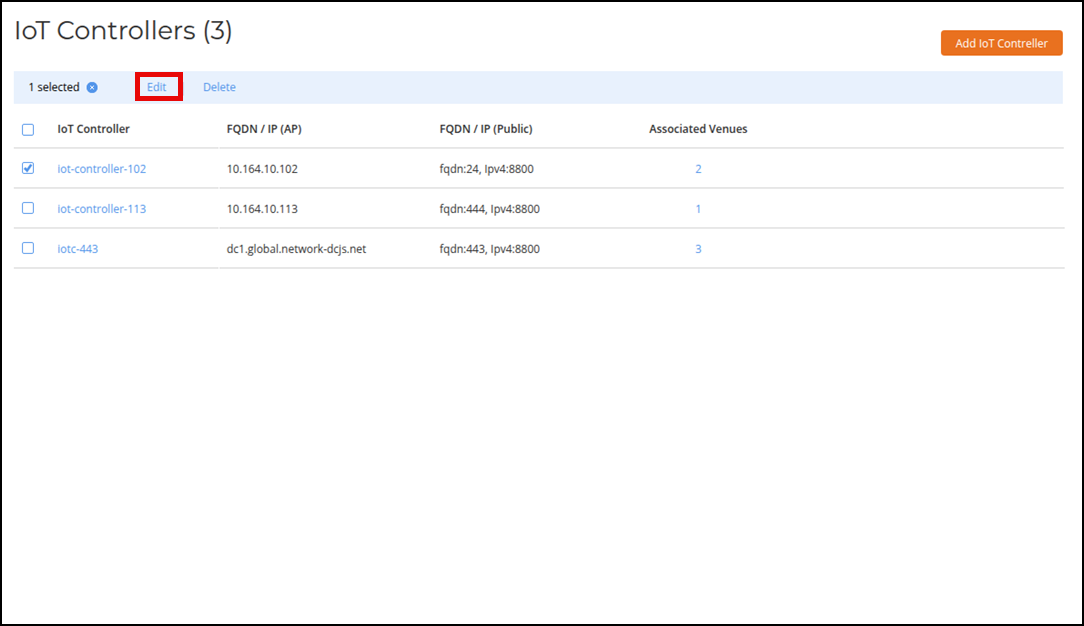
- Click the checkbox alongside the controller name, then click the Edit option that appears above the table.
- Edit the controller settings, as necessary. Note that the serial number of the IoT controller is not editable.
- Click Save.