Exporting DPSK User Credentials
If you need to export multiple DPSK user credentials including passphrases, you can
export them in a comma-separated value (CSV) file to your computer.
Follow these steps to export DPSK user credentials.
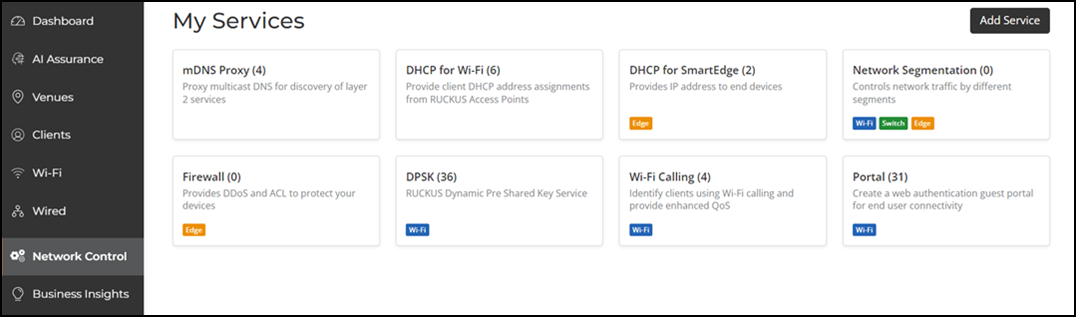
- On the navigation bar, click .
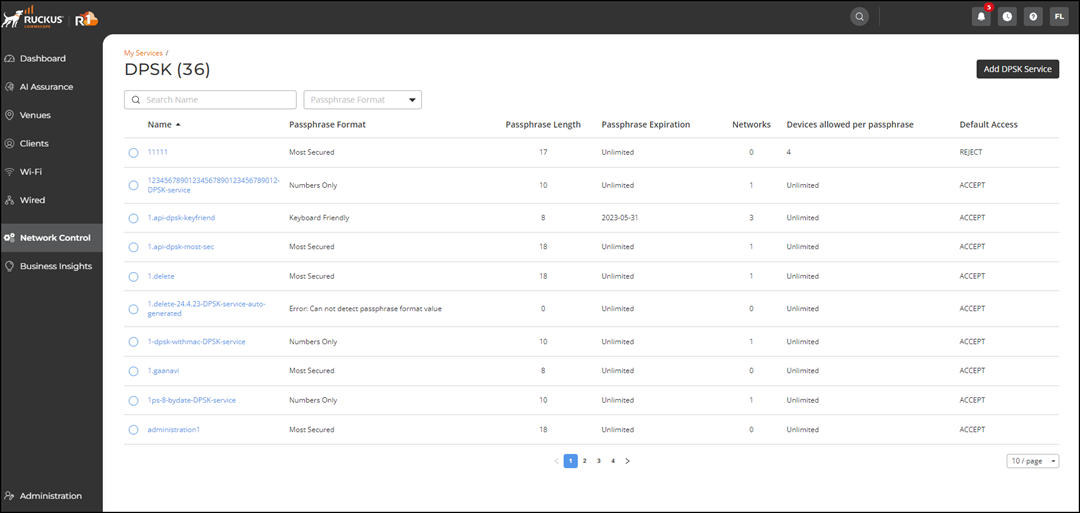
- Select DPSK .
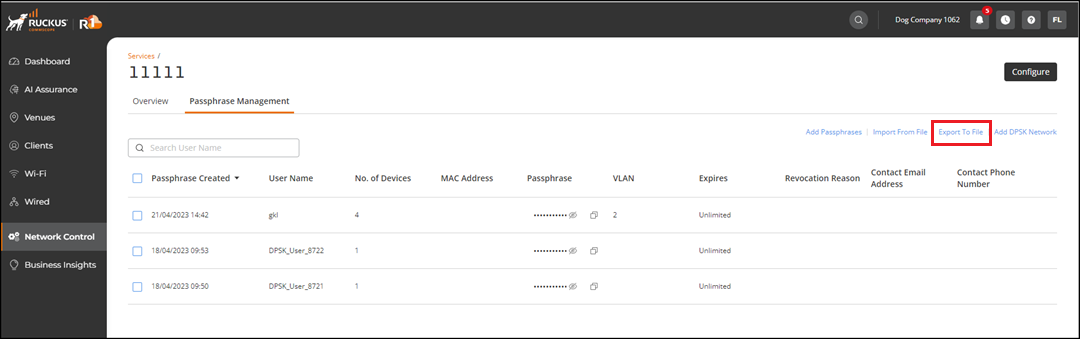
- Click the DPSK name. The Services window is displayed with the Overview and Passphrase Management tabs.
- Click the Passphrase Management tab.
- In the upper-right corner of the Passphrase
Management tab, click Export To File. A CSV file containing passphrases that are based on current filters is downloaded to your computer or opens in Microsoft Excel or other selected program.