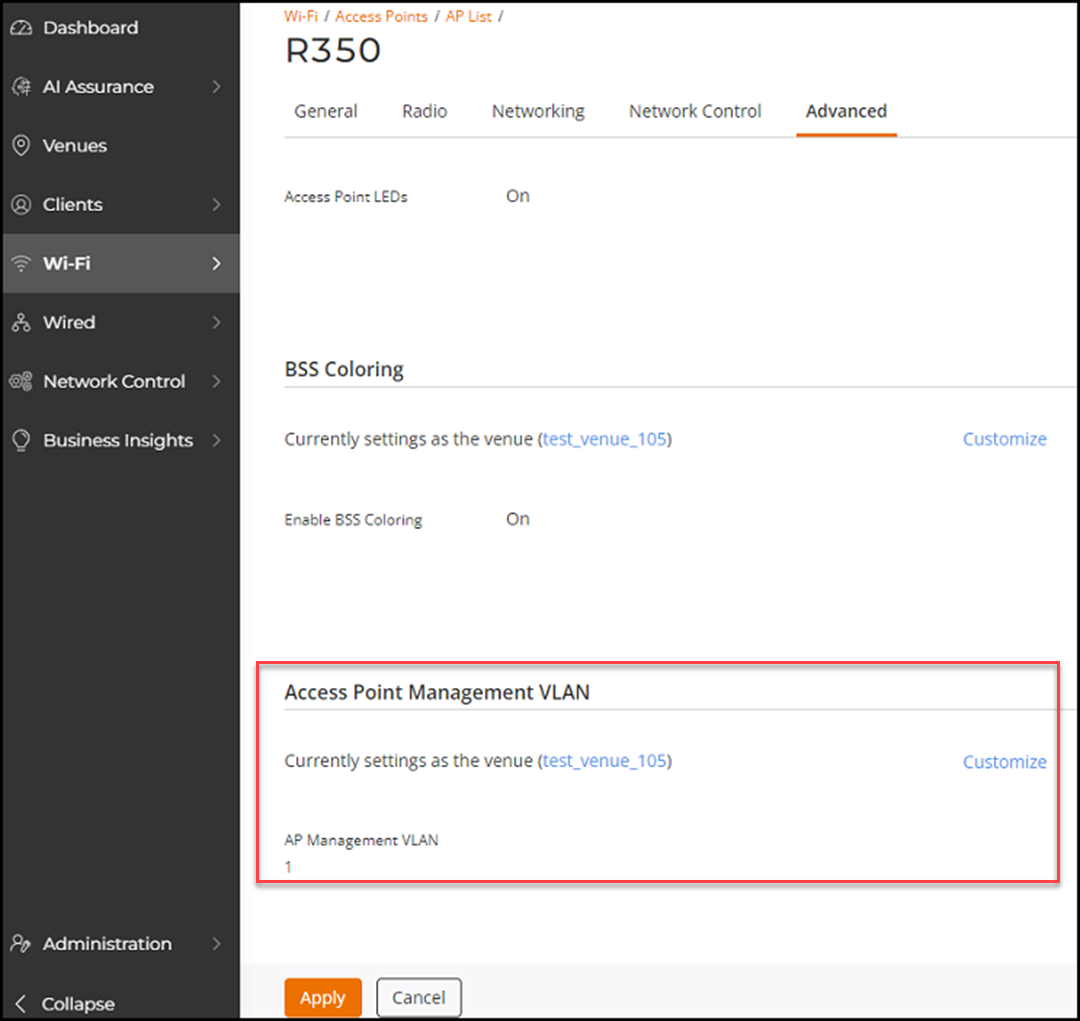
Setting the Management VLAN ID for an AP
You can set the VLAN ID for an AP by using
the AP Management VLAN parameter to
regulate user traffic.
By default, the management VLAN ID in the AP aligns with the venue-level setting. However, you can customize it and set a different VLAN ID.
- On the RUCKUS One web
interface, navigate to .The Access Points page is displayed.
- Select the AP for which you want to set the VLAN ID.
- Click Edit.
- Click the Advanced tab.
- In the Access Point Management VLAN section, click Customize.
- Type the new AP Management VLAN value ID, or use the arrows to select the new VLAN ID.
- Click Apply.