Deleting an SD-LAN Service
- On the navigation bar, select , then click on the SD-LAN tile. This displays the list of SD-LAN services for the Edge device.
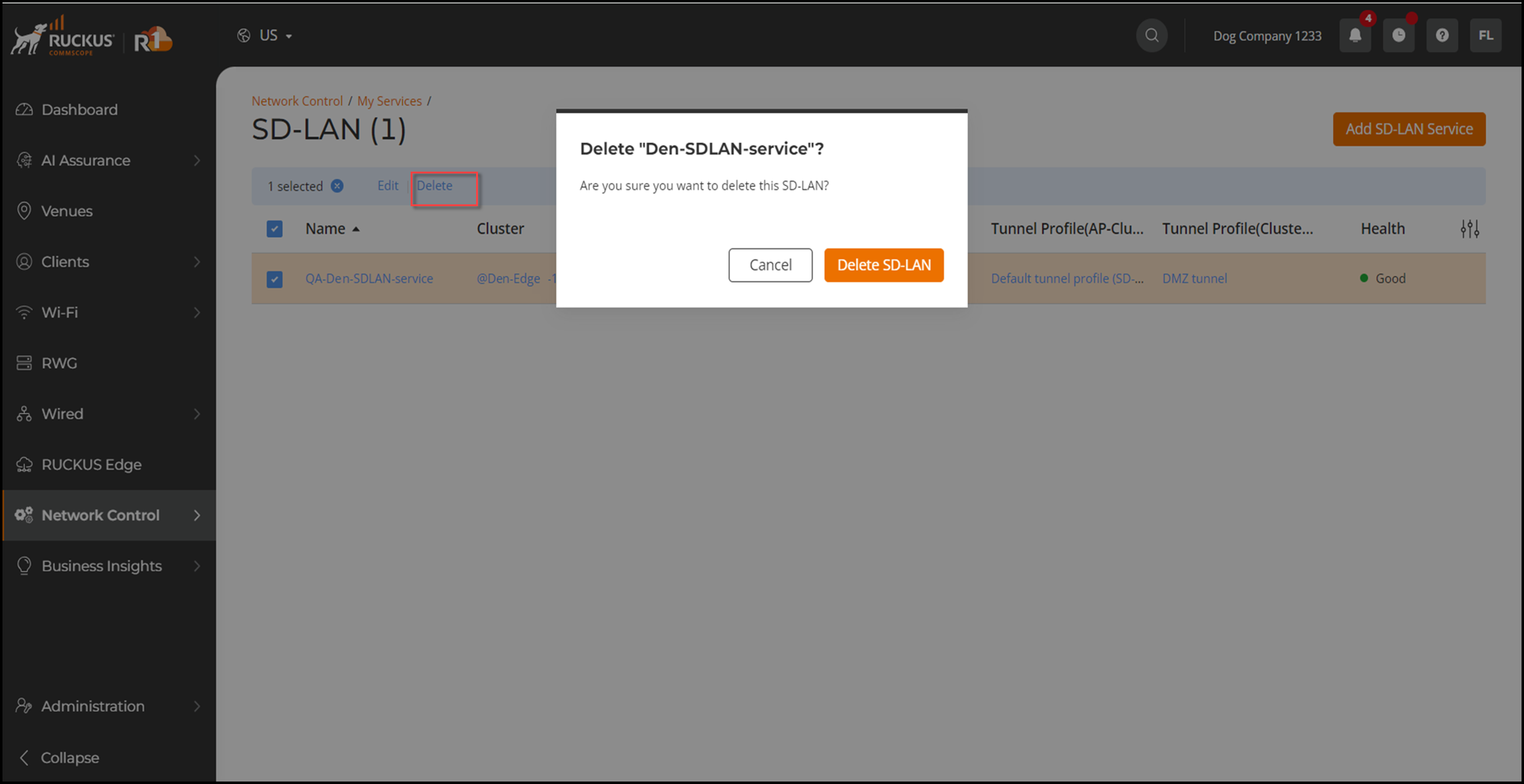
- Select the checkbox adjacent to the name of the service you wish to delete and click the Delete option. This displays a delete confirmation dialog box. Click the Delete SD-LAN button to confirm the deletion.