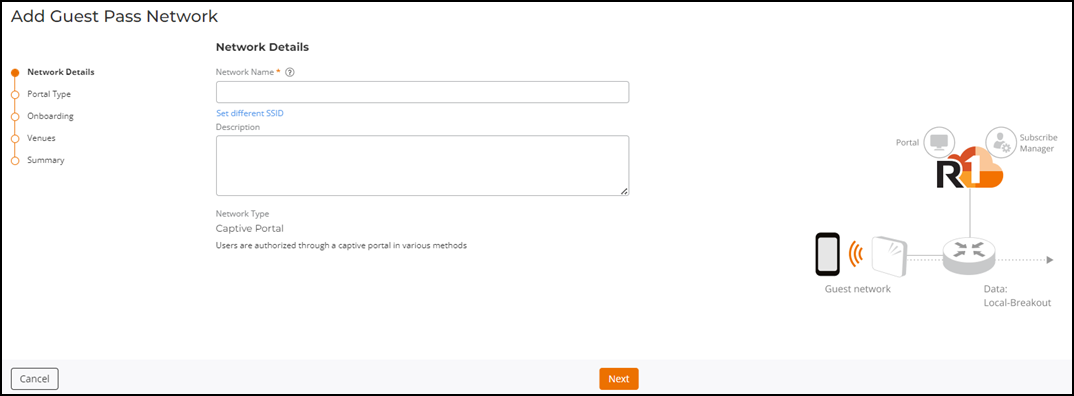
Adding a Guest Pass Network from the Guest Pass Credentials Page
To add guest users, you must first have a
Captive Portal - Guest Pass network configured. If you have not already added the
network
using the Add Wi-Fi Network option available on the
Dashboard or on the Wi-Fi Networks List page,
RUCKUS One allows you to add the network directly from the page.
- From the menu, select
. The Guest Pass Credentials page is displayed.
- If you see the message “Guest
cannot be added since there are no guest networks,” click the Add Guest Pass Network
option (available in the message banner and also in the upper-right
corner of the Guest Pass Credentials page). A modified version of the network wizard window appears with the Guest pass as the network type. Complete the rest of the steps in Creating a Network That Uses a Captive Portal with a Guest Pass to add a guest network.
The Add Guest Pass Network form is displayed.