Logging in to the RUCKUS One
The web-based RUCKUS One portal is your
primary interface to the RUCKUS One service. To manage and monitor your network,
devices,
venues, clients, and service settings, you must first log in to the RUCKUS One.
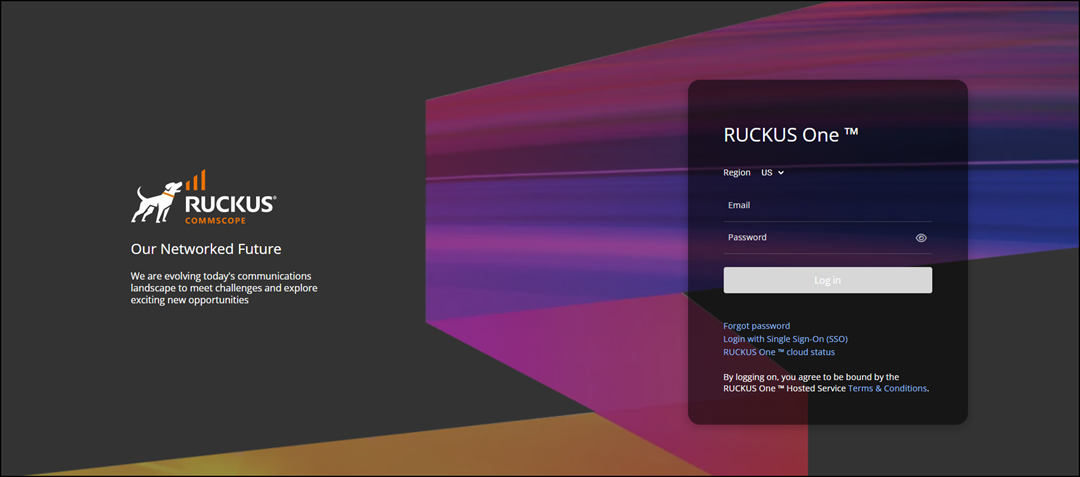
- Enter https://ruckus.cloud in the address bar of your web browser.
- Enter the registered email address and password in the appropriate fields.
- Click Login with Single Sign-On (SSO) to log in using your own authentication server.
- Select a region.
- Click RUCKUS One cloud status to go to the RUCKUS One Status page.
- Click .
- Click X to close the flash screen and access RUCKUS One Dashboard.