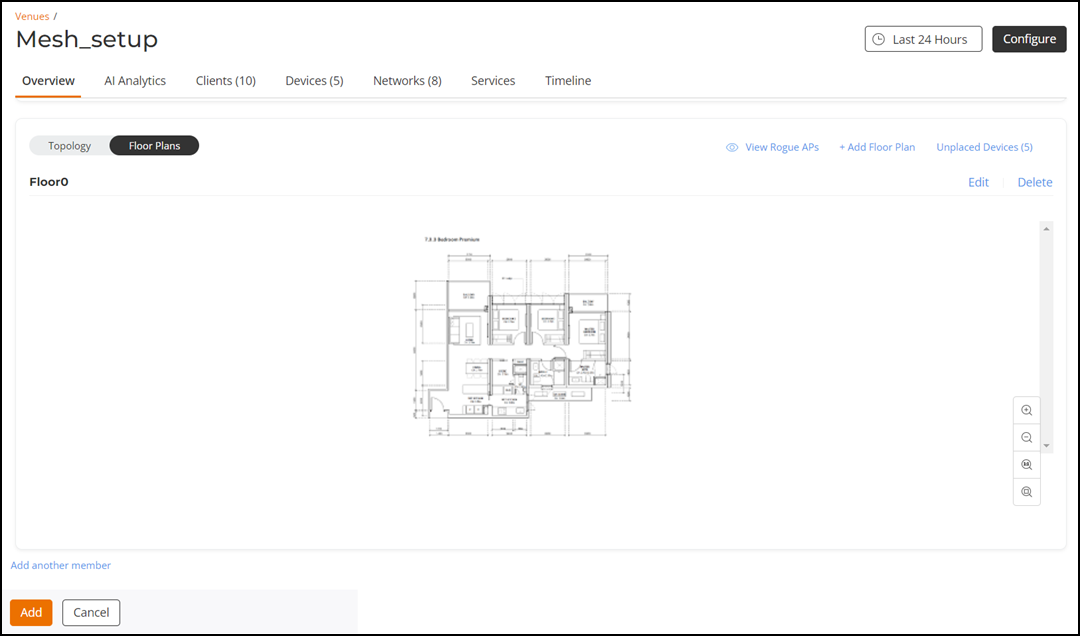
Deleting a Floor Plan
If you no longer use a floor plan that
you previously imported, you can delete it from your account.
- On the navigation bar, click
Venues.The Venues page is displayed.
- Click .
- From the list of image
thumbnails at the bottom of the page, select the floor plan image that you want
to delete.Note: Thumbnalis are displayed only if the floor plan has more than one image.
- When the floor plan is
displayed, click the Delete to delete the floor plan. A confirmation message is displayed.
- Click
Yes.
When the process is complete, the image is removed from the thumbnail list.