Adding an SD-LAN Service
- On the RUCKUS One navigation bar, select .
- Find the SD-LAN tile and
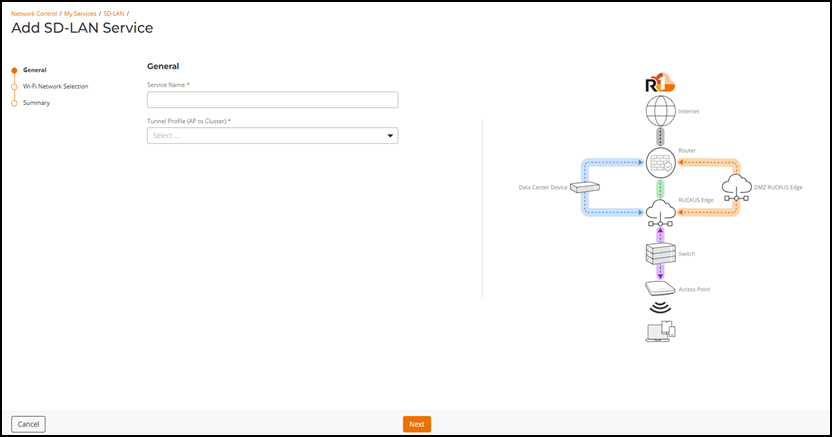
click Add.This displays the Add SD-LAN Service page.
- In the Add SD-LAN
Service page, configure the following:
- General: In this section, enter the following details:
- Click Next.The Wi-Fi Network Selection page is displayed.
- Click Next. The Summary page is displayed.
- Review the settings and click Add. The SD-LAN service is configured with an AP to Cluster tunnel profile and the service is applied to the selected Wi-Fi network.