Configuring Syslog Server for a Switch Venue
You can configure a syslog server for a switch venue.
To configure a syslog server for a switch venue, complete the following steps.
- On the navigation bar, click
Venues.The Venues page is displayed.
- Select the Venue Name and click Edit. Alternatively, click .
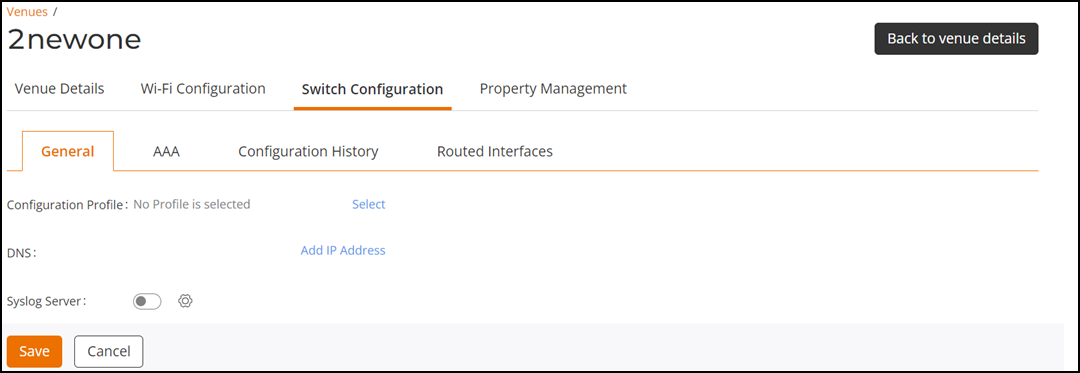
- Select the Switch Configuration tab.
- Toggle the Syslog Server button to ON to enable and configure an external syslog server.
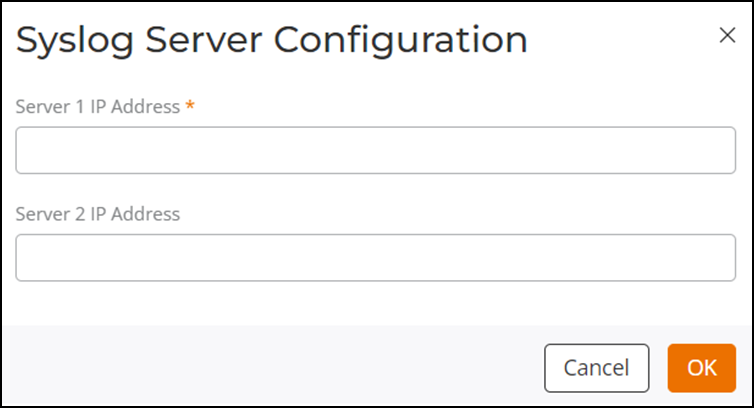
- Configure the following fields:
- Click OK.
- Click Save.