Backing up Configuration
In addition to automatic backup, you can
manually backup the configuration files for each switch.
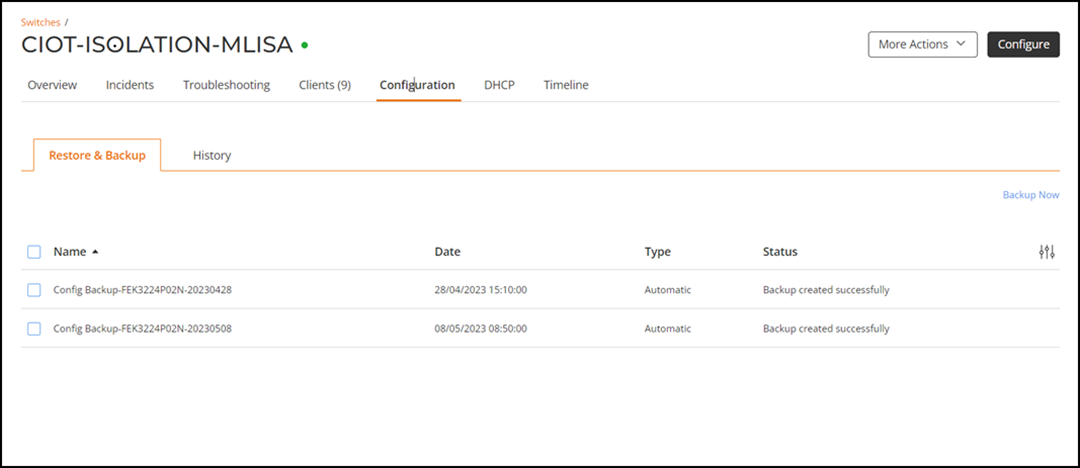
- On the navigation bar, click .The Switch page is displayed.
- Click name of a switch from the list of switches.
- Select the Configuration tab.
- Click Backup Now.
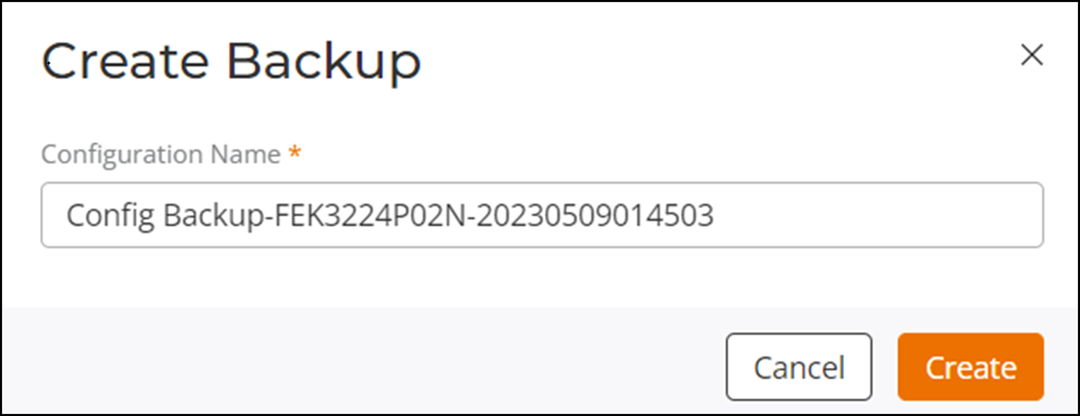
- (Optional) Enter a configuration name if you want to change the backup file name.
- Click Create.A progress bar displays that the backup has been added.