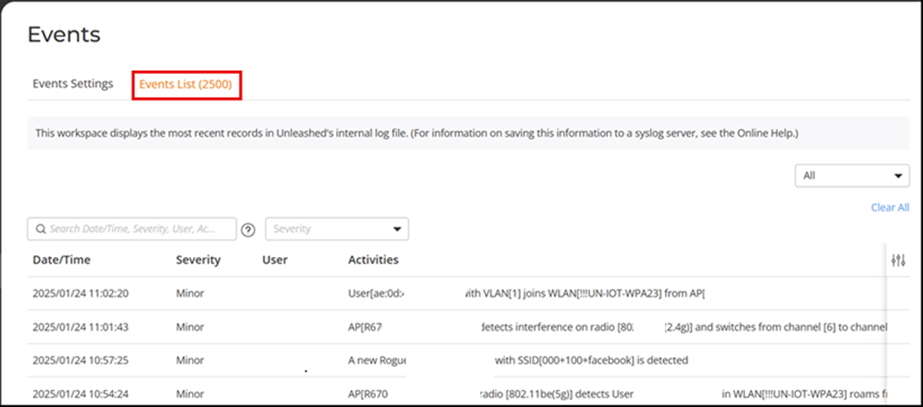
Viewing System Event Messages
The Events page displays the most recent
records in the Master AP's internal log file.
Compared to Alarms, the Event messages include less critical messages such as, when an AP changes channel, a configuration sync is performed, a new client joins the network, and so on.
You can customize the level of events to display in the Event Settings by navigating from the main menu to and select one of the following options:
- Any: Displays all event logs at all levels.
- Critical & Major: Displays only critical or major level events.
- Critical Only: Displays only critical level events.
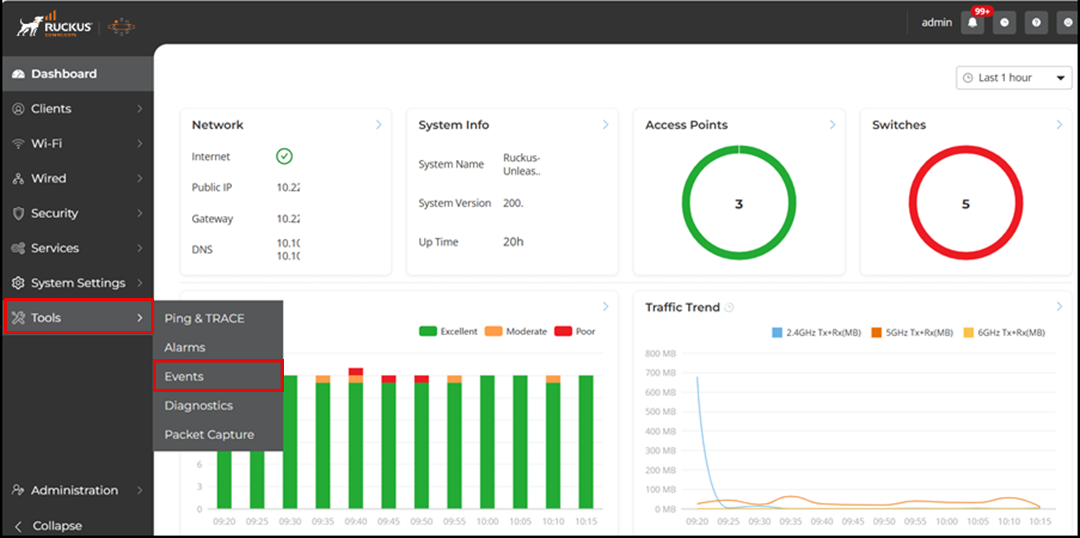
You can view all the events by navigating to .