Using Port Based 802.1X
802.1X provides logical port control and leverages the EAP authentication and RADIUS protocols to allow the network policy to be effectively applied in real time, no matter where the user connects to the network.
AP Ethernet ports can be individually configured to serve as either an 802.1X supplicant (authenticating the AP to an upstream authenticator switch port), or as an 802.1X authenticator (receiving 802.1X authentication requests from downstream supplicants). A single port cannot provide both supplicant and authenticator functionality at the same time.
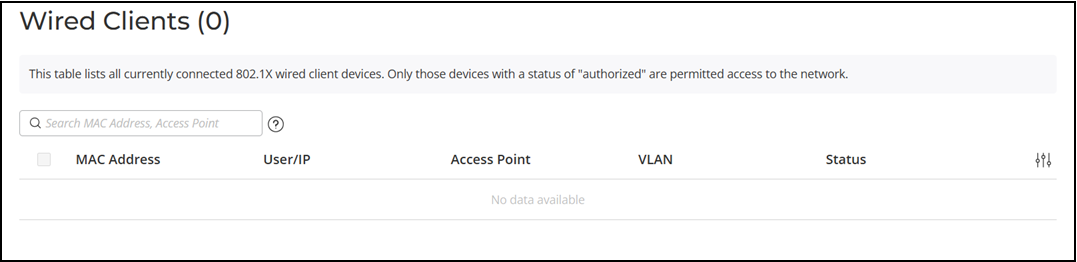
If port based 802.1X is enabled on any ports, you can monitor connected wired clients by navigating to the Wired Clients List page to display a list of authenticated 802.1X wired clients.