Complete the following steps to temporarily
disable a WLAN.
Difference in UI label for Unleashed and RUCKUS
Blue
UN
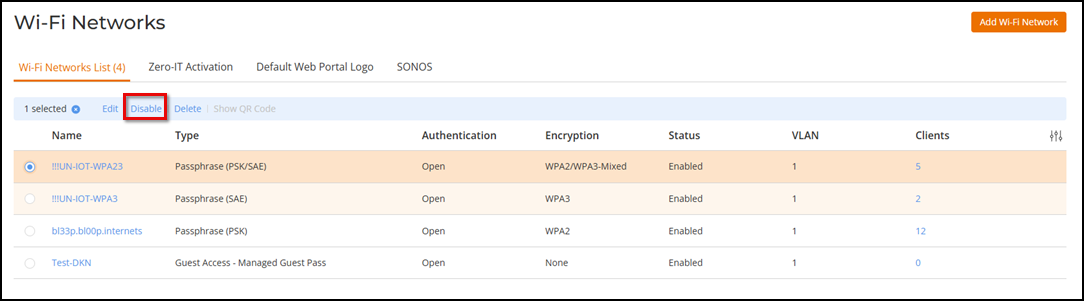
From the main menu, select
Wi-Fi > Wi-Fi
Networks > Wi-Fi Networks
List. In the Wi-Fi Networks page, select a WLAN that you want to disable,
and click Disable.
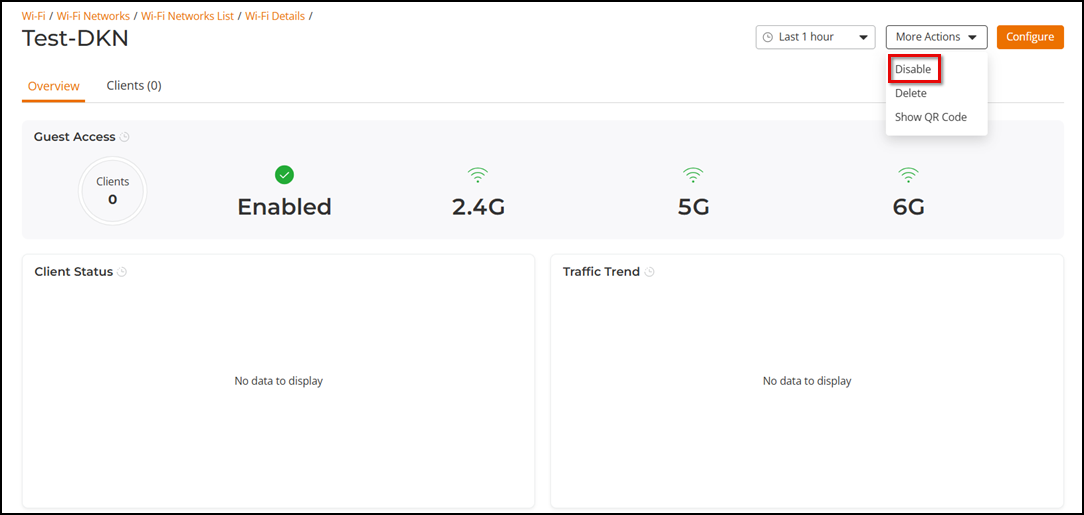
Alternatively, click on the WLAN name to open its Wi-Fi details page, then
click More
Actions > Disable.