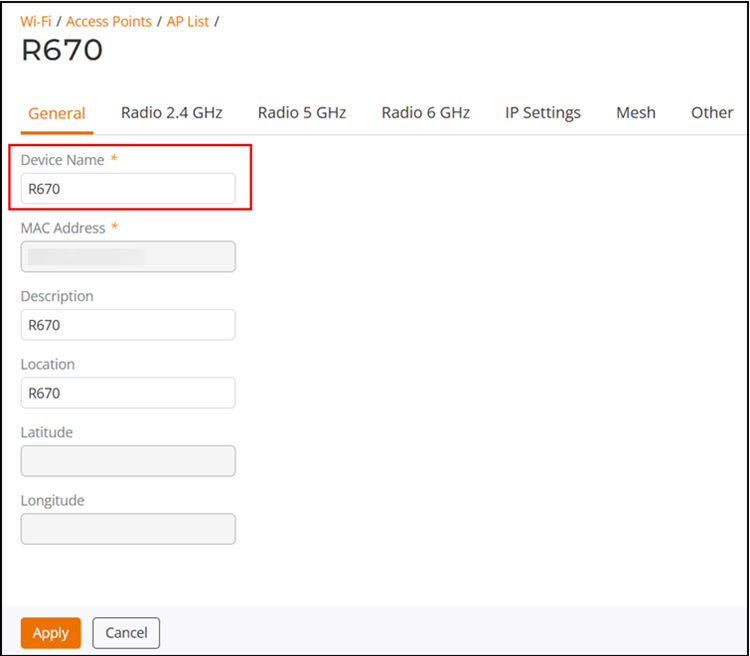
Renaming an AP
Renaming an AP allows the AP to be more
easily identifiable in the web interface, tables, charts, graphs, and other user
interface
elements.
You are viewing a cached version of this page.
You are currently offline. This page was loaded from cache.
Complete the following steps to rename an AP.
Did you find what you were looking for?