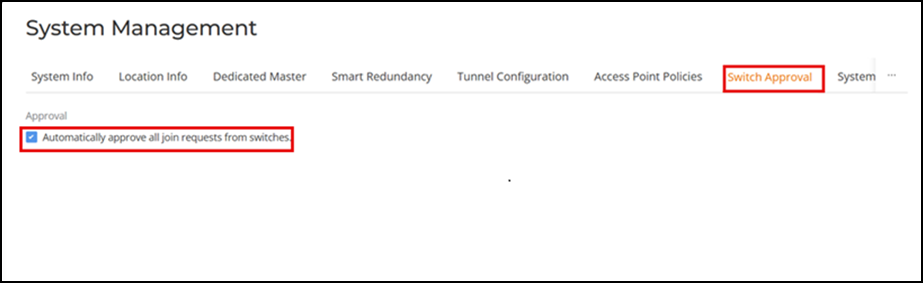
Enabling Automatic Switch Approval To enable automatic approval of RUCKUS ICX switches, use the following procedure: Select System Settings > System Management > Switch Approval.Select the Automatically approve all join requests from switches checkbox.Click Apply to save your changes. Enabling Automatic Approval of ICX Switches Parent topic: System Settings