Enabling Remote Management
The RUCKUS Unleashed mobile app provides another way to manage your RUCKUS Unleashed network when using an Android or iOS client.
Complete the following steps to enable remote management.-
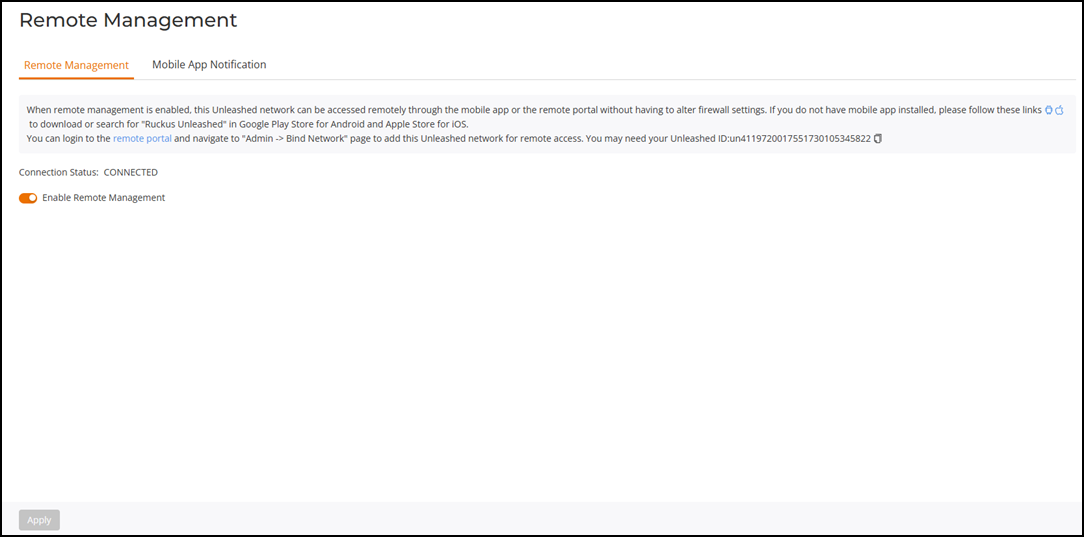
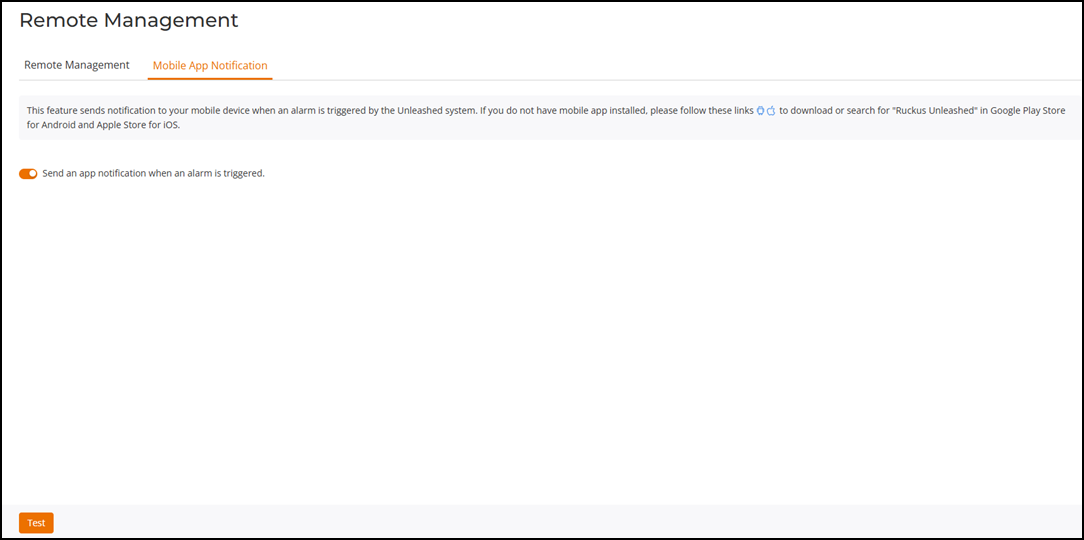
UI path for UnleashedFrom the main menu, select .The Remote Management page is displayed.
- Under the Remote Management tab, enable the Enable Remote Management toggle switch to manage RUCKUS Unleashed remotely using the mobile app or remote portal, and click Apply.
- Under the Mobile App Notification tab, enable the Send an app notification when an alarm is triggered toggle switch to send a notification to the app when an alarm is triggered. Click Test to send a test notification, and click Apply to save your changes.