Editing an Existing WLAN
Complete the following steps to edit an existing WLAN.
Difference in UI label for Unleashed and
RUCKUS Blue
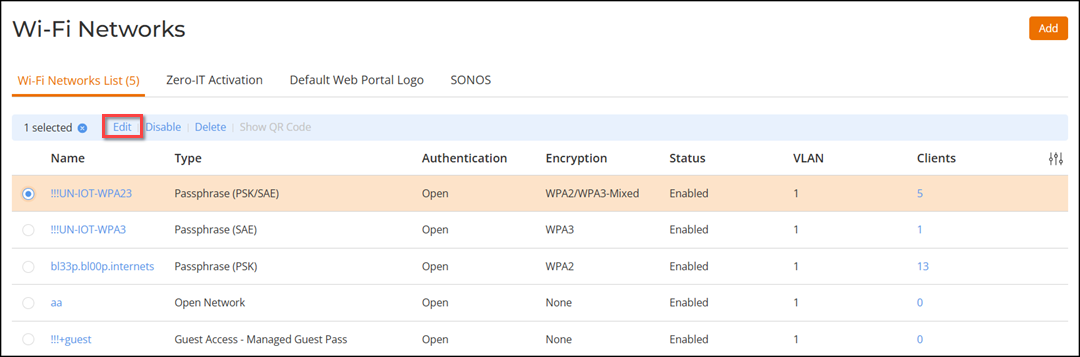
- From the main menu, click . To edit an existing WLAN in the Wi-Fi Networks page, select a specific WLAN and click Edit, or click the WLAN name and click Configure.
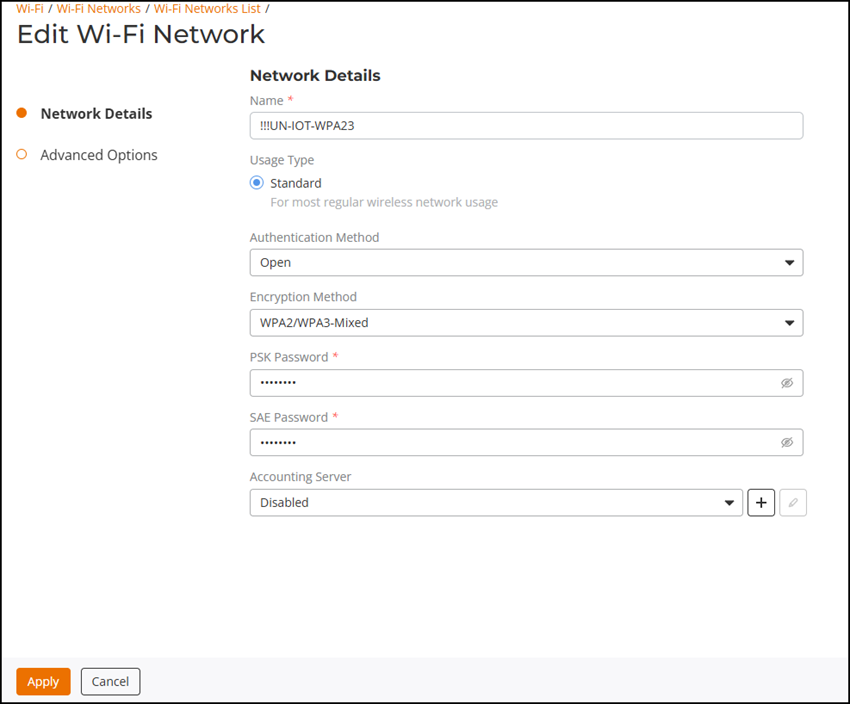
- In the Edit Wi-Fi Network page, you can modify the WLAN settings.
-
Content reuse for UnleashedAfter making any changes, click Apply to confirm your changes.