You are viewing a cached version of this page.
You are currently offline. This page was loaded from cache.
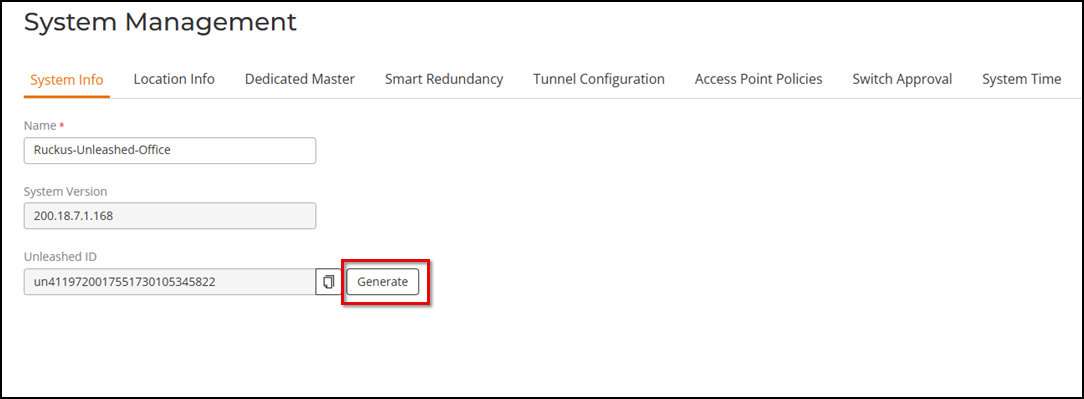
The Unleashed ID uniquely identifies each Unleashed network for use in remote management through either the Unleashed Mobile App or the Unleashed Multi-Site Manager.
Did you find what you were looking for?