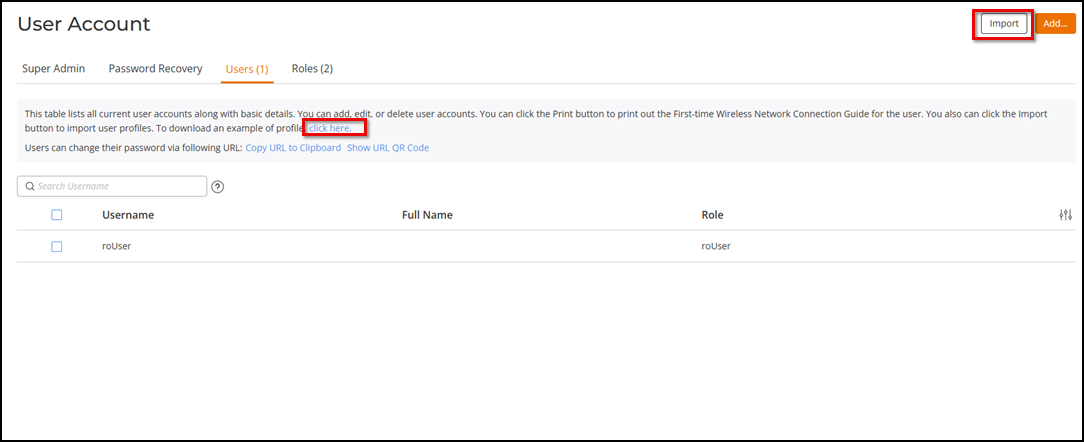
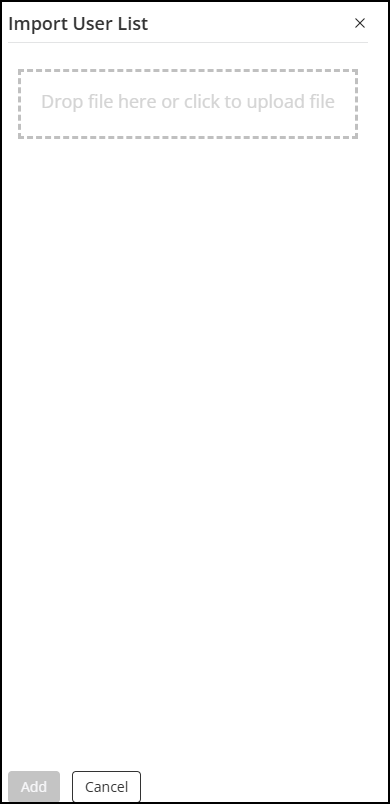
Importing Users into the Local Database using CSV File From the main menu, select Administration > User Account.The User Account page is displayed. Click the Users (1) tab.You can download a sample user profile using the link in Click here. Importing Users into the Local Database Click Import at the top-right coner to import user profiles.In the Import User List window, either drag-and-drop a file within the dotted area or click Add to add the file. Importing User List In this section: Limitations and Considerations for CSV Import Parent topic: Administration Settings