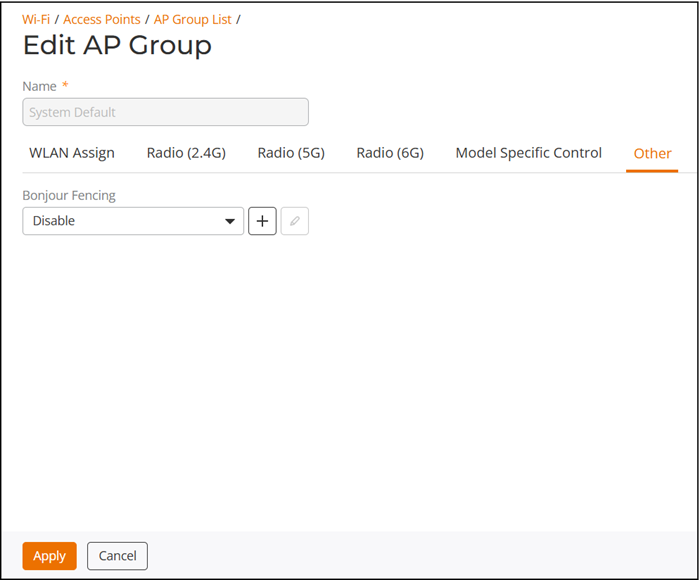
Other
The Other tab provides the following options:
- Preferred Master: Select a specific AP to be the Master AP and, if the preferred Master AP reboots, it will resume the role of Master AP again once it rejoins the network. By default, there is no preference as to which AP should become the Master AP; the first AP that is deployed automatically becomes the Master AP. Using the Preferred Master setting, users can configure one AP to have priority. Any (non-mesh) AP can become the Master if the preferred Master is offline, but when the Preferred Master comes back online, it will assume the Master role again.
- Bonjour Fencing: Select a Bonjour Fencing policy from the drop-down list or click + to create a new Bonjour Fencing policy. Refer to Creating Bonjour Fencing Policies for more information.