Port-Based User-Defined Applications
Wireless traffic that matches a configured policy will be displayed using the policy description text in the Application Overview donut charts. You can create new port-to-application name mappings individually using the tab.
This type of application categorization is the least granular in configuration and therefore it has the lowest priority as a means of application identification. For example, if you configure a port-based user-defined application for port 80/TCP, any such matching wireless traffic not identified by either an IP-based application or the default embedded applications will be identified as belonging to this application.
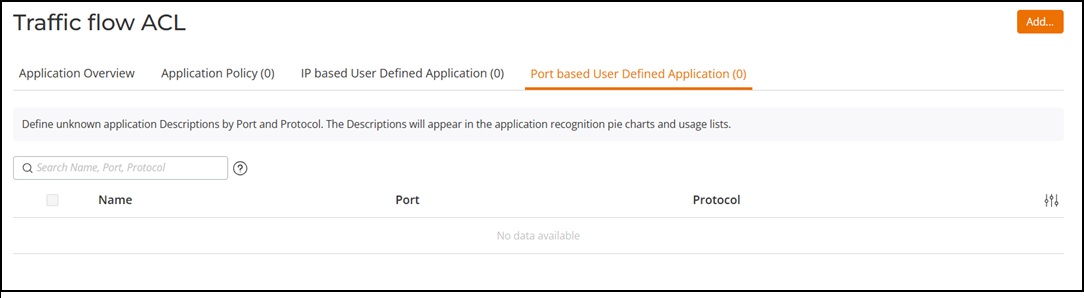
The following figure shows how a port-based user-defined application policy could be used to identify all port 8081 wireless traffic as "HTTP Proxy" traffic and display this name in application recognition pie charts and tables.
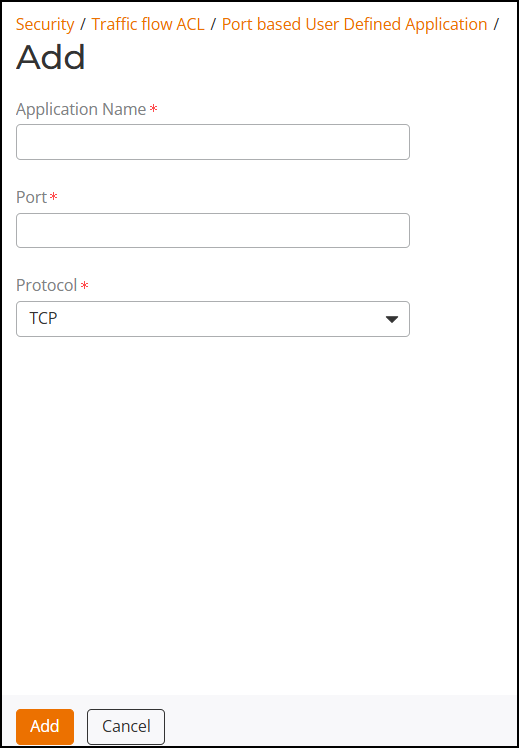
Complete the following steps to create a port-based user-defined application.