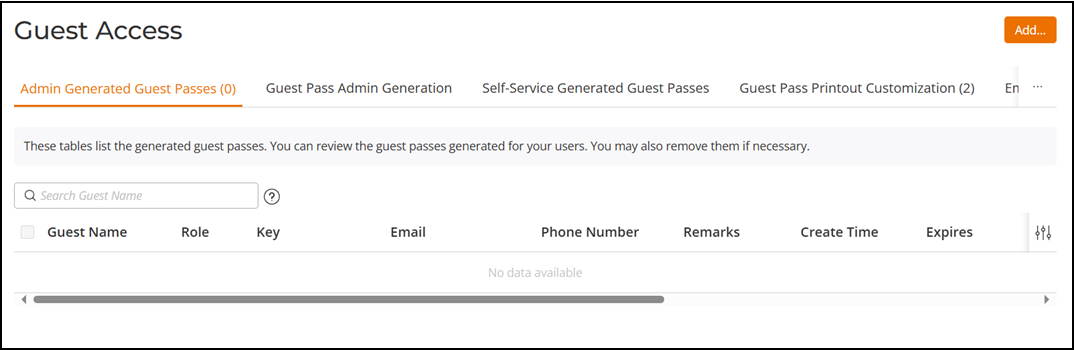
Monitoring Generated Guest Passes
After you have generated Guest Passes for
your visitors, you can monitor and, if necessary, delete them to revoke the guest
access
privileges.
Diffference in UI label for Unleashed and RUCKUS
Blue
- From the main menu, select .
- Review the generated Guest Passes in the Admin Generated Guest Passes and Self-Service Generated Guest Passes tabs.
- To remove a Guest Pass, select the specific Guest Pass checkbox, and click Delete. Click Delete All to delete all generated Guest Passes at once.