ICX Switch Management Overview
Beginning with Unleashed 200.8, the
administrator can monitor and manage RUCKUS ICX switches and routers in the ICX
7000 series
and above. Unleashed can manage up to eight switches at a time. Beginning with Unleashed
200.15, Unleashed supports 16 ICX switches in the Dedicated Master mode.
ICX switch management allows you to monitor status, view usage statistics, and perform basic management operations including configuration backup and firmware management.
The following capabilities are supported:
- ICX switch registration and authentication
- Switch inventory (including model, firmware version, and last backup)
- Health and performance monitoring (status, traffic stats, errors, clients) with alarms
- Switch configuration file backup and restore
- Firmware upgrades
- CLI configuration
Requirements
Note: For more information on ICX device capabilities
and configuration, refer to the RUCKUS FastIron documentation set available at
the following URL:
https://support.ruckuswireless.com. On the site, select Products > RUCKUS ICX Switches > Technical Documents, and choose the platform and document of interest.
The following items are required to manage ICX devices:
- The ICX switch must be running FastIron software version 08.0.90 or higher.
- The IP address of the Unleashed Master AP must be reachable by the ICX device through the Management interface or through router interfaces.
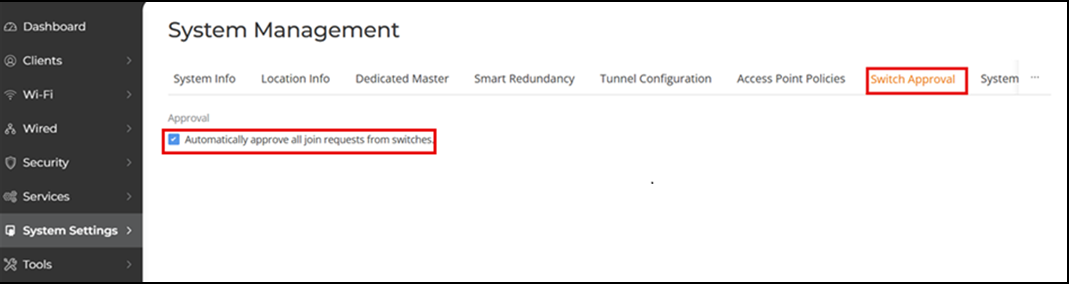
- ICX devices will be automatically discovered by the Unleashed Master AP. If automatic switch approval is enabled, all ICX switches discovered on the network will be listed in the page. To disable automatic approval, select and disable the Approval option.
ICX devices running either router or switch images can be managed by Unleashed.