Deleting a Client
Complete the following steps to
temporarily disconnect a client device from your WLAN. (The user can simply reconnect
manually, if they prefer.) This is helpful as a troubleshooting tip for problematic
network
connections.
Difference in UI path in Unleashed and RUCKUS
Blue
- From the main menu, click Clients.
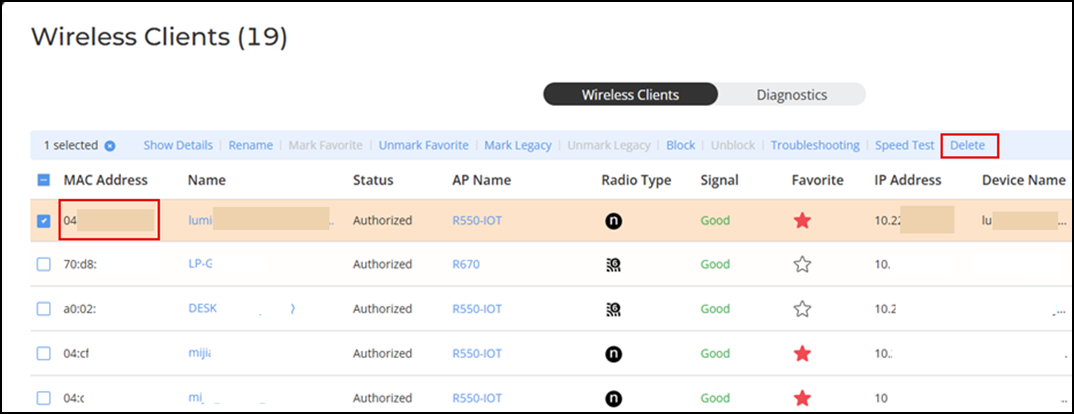
- Select the client from the Wireless Client List or Wired Client List.
- Select the client from the
client list, and click Delete. The entry is deleted from the clients list, and the listed device is disconnected from your WLAN.