Viewing Alarms

The All Alarms page displays a list of all recent alarms. Alarms include important events such as when an AP loses contact with the Master AP, a rogue AP is detected, an authentication server becomes unreachable, or when a Master/Member role change is detected.
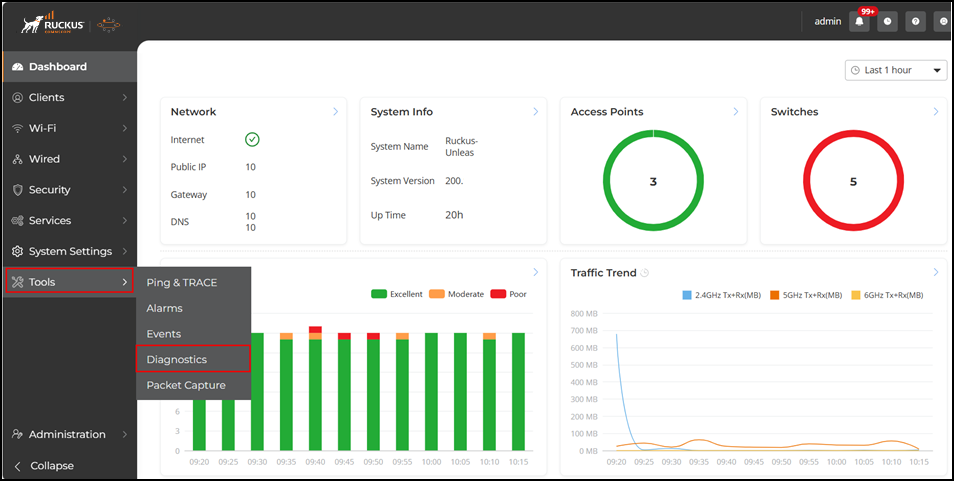
To view and clear recent alarm messages:

  1. From the main menu, click Tools, then select Alarms > Alarm Settings.
  2. Select the alarm and click Apply.
  3. To delete an alarm event, select it and click Reset.
  4. Select or clear the Select All Alarms checkbox to add or clear all alarm events from the list.

    Viewing a List of Alarm Event Messages