Technical Support
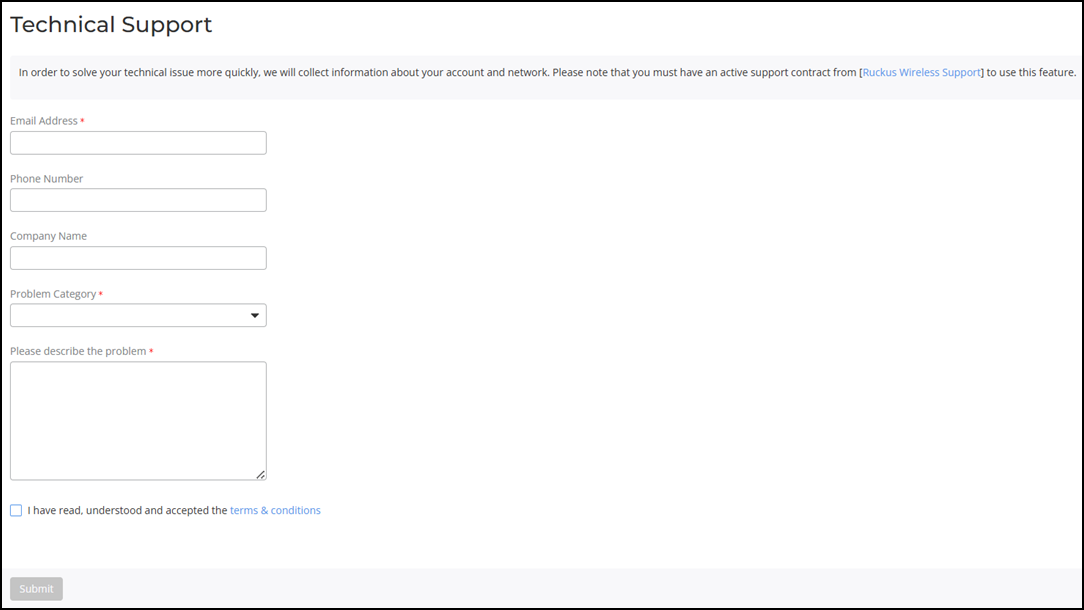
You can request technical support to
troubleshoot your Unleashed technical issues.
- From the main menu, select .
- Enter your email address.
- (Optional) Enter your phone number and company name.
- From the Problem Category list, select a problem type.
- Enter a description about your technical problem.
- Select the I have read, understood and
accepted the terms & conditions checkbox and click
Submit.Note: When you enable technical support, Unleashed disconnects from its registered UMM and connects to the RUCKUS remote UMM. After the requested technical support is completed, Unleashed registers back to UMM.