Changing the System Name
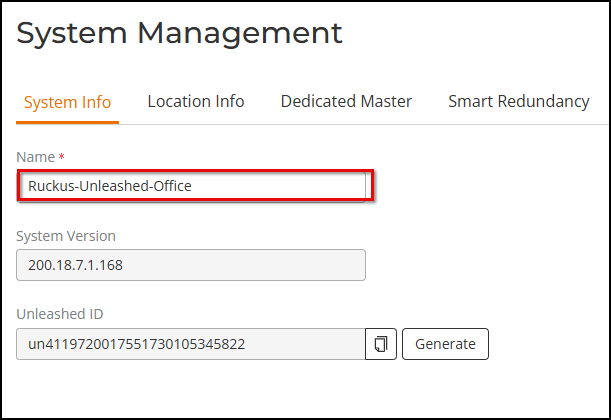
The
System Info page displays the current system firmware version and provides an option to reconfigure
the system name.
Complete the following steps to change the system name:
- From the main menu, select .
- Under Name, delete the existing text, and enter a new name. The name should be between 1 and 32 characters in length, using letters, numbers, underscores (_), and hyphens (-). Do not use spaces or other special characters. Do not begin the name with a hyphen (-) or underscore (_). System names are case-sensitive.
- Click Apply to save your settings. The change goes into effect immediately.