You are viewing a cached version of this page.
You are currently offline. This page was loaded from cache.
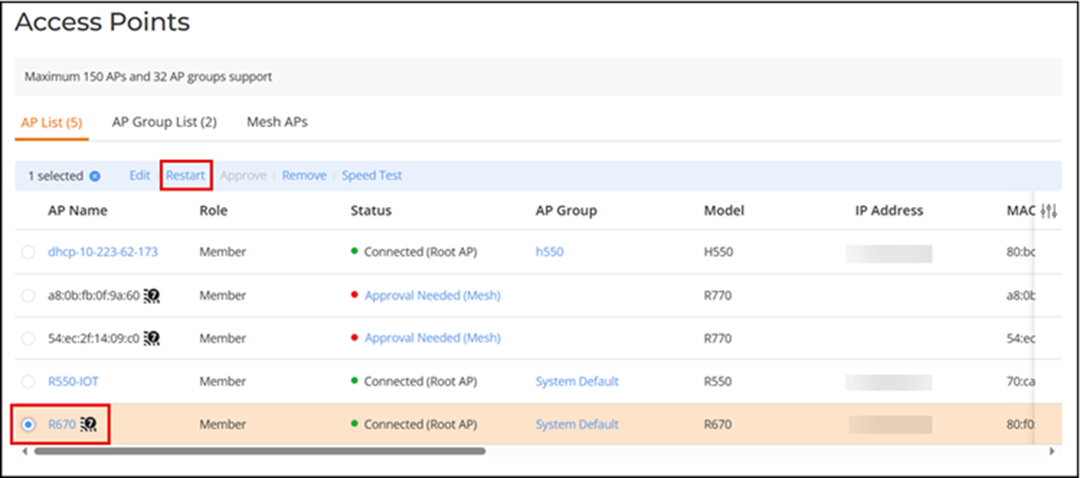
To restart an AP, in the Wi-Fi > Access Points > AP List page, select the AP you want to restart, and click Restart.
Did you find what you were looking for?