To specify the UDP application by using an application UDP port number, perform the
following steps.
Click
User Broadcast Forward on the
UDP Helper window.
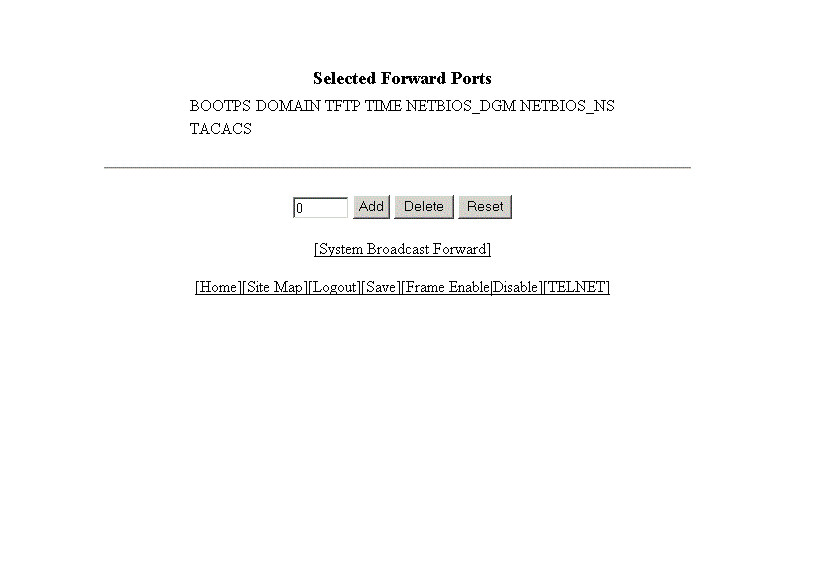
The user broadcast forward window is displayed as shown in the figure below.
Enabling user broadcast forward
Type the UDP port number in the field.
Click
Add.
The added port is displayed in the
Selected Forward Ports pane, which displays the application ports that are enabled by default. To delete
the forwarding port, click
Delete . To reset the data entered in the configuration pane, click
Reset .