Enabling forwarding for a UDP application
To specify a UDP application by using an application name, perform the following steps.
- Click System Broadcast Forward on the UDP Helper window.
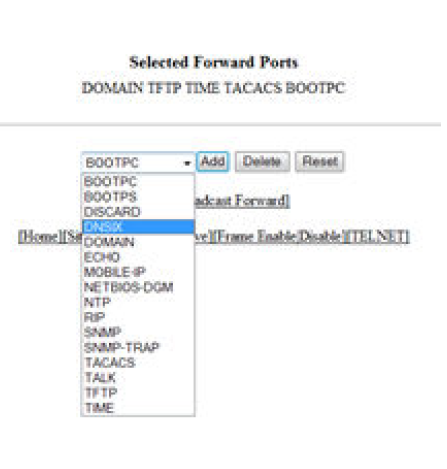
- Select one of the following forward ports in the list:
- Click
Add .
The added port is displayed in the Selected Forward Ports pane, which displays the application ports that are enabled by default. To delete the forwarding port, click Delete . To reset the data entered in the configuration pane, click Reset .
To specify the UDP application by using an application UDP port number, perform the following steps.