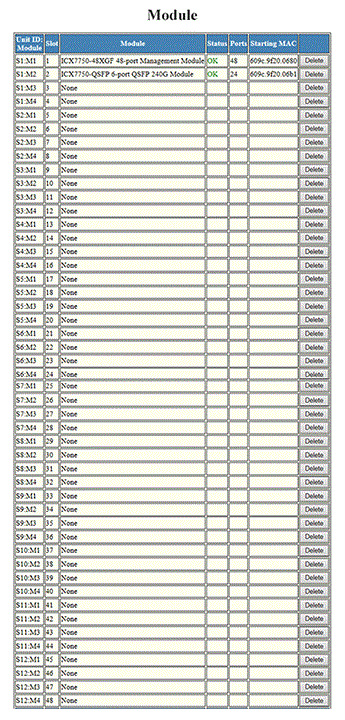
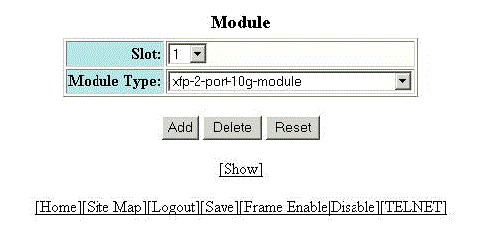
Configuring a system module To configure a system module, perform the following steps. Click Configure on the left pane and select System. Click Module. The Module window is displayed as shown in the figure below. Configuring system modules Click Add Module. The Module window is displayed as shown in the figure below. Adding system modules Select a slot number in the Slot list. Select a chassis module type in the Module Type list. Click Add. The message The change has been made is displayed. To display the configured module, click Show. To delete the configured module, click Delete. To reset the data entered in the configuration pane, click Reset. Parent topic: Configuring System Components